

Self-hosted network monitoring software that runs on your servers
Self-hosted network monitoring runs on servers you control: in your office, your data center or your own cloud account. The program, its monitoring results, the logs and the device passwords all stay there, not in a vendor's cloud. Uplivra itself receives only license information, like device counts and version, plus optional health information that you control.
Teams choose self-hosted network monitoring when the data is sensitive, when security or compliance rules say it must stay in-house, when the network has no internet access, or when they don't want their monitoring to stop because someone else's service is down.
Uplivra is self-hosted network monitoring for small businesses, enterprises, government agencies and MSPs. It's free for up to 15 devices, with no card and no license key. Setup usually takes about 30 minutes, most of it waiting for downloads.
Monitor 15 devices free, today: no card, no license key.
Why self-hosted instead of cloud monitoring?
Cloud (SaaS) monitoring is a good fit when you don't want to run a server. Self-hosted network monitoring fits when it matters most where the data lives and who can reach it. The main differences:
| Self-hosted (Uplivra) | Cloud (SaaS) monitoring | |
|---|---|---|
| Where your data lives | On your servers | On the vendor's servers |
| Without internet access | Keeps monitoring. Updates and license renewals come as signed files. | Needs a connection to the vendor |
| How you pay | Per device, monthly or yearly. You provide the server. | Usually per device, host or sensor, monthly or yearly. The vendor provides the servers. |
| Access and audit logs | Your accounts, your audit log, your retention | Kept in the vendor's platform, shown as the vendor allows |
| If the vendor has an outage | Your monitoring and alerts keep running | Monitoring and alerts may be disrupted until the vendor recovers |
| What you look after | The server it runs on, and applying signed updates | The vendor hosts the service |
What Uplivra monitors
Network devices
Routers, switches, firewalls and Wi-Fi: availability, response time, SNMP, traps and ports.
Servers
Windows and Linux servers and the services that run on them.
Traffic flows
NetFlow, IPFIX and sFlow, so you can see who is using the network and how.
Logs
Logs from every site, searchable in one place and kept on your own storage.
Websites and certificates
Response time and errors for your websites, and certificates before they expire.
Cloud resources
The cloud services you run, next to the rest of your infrastructure.
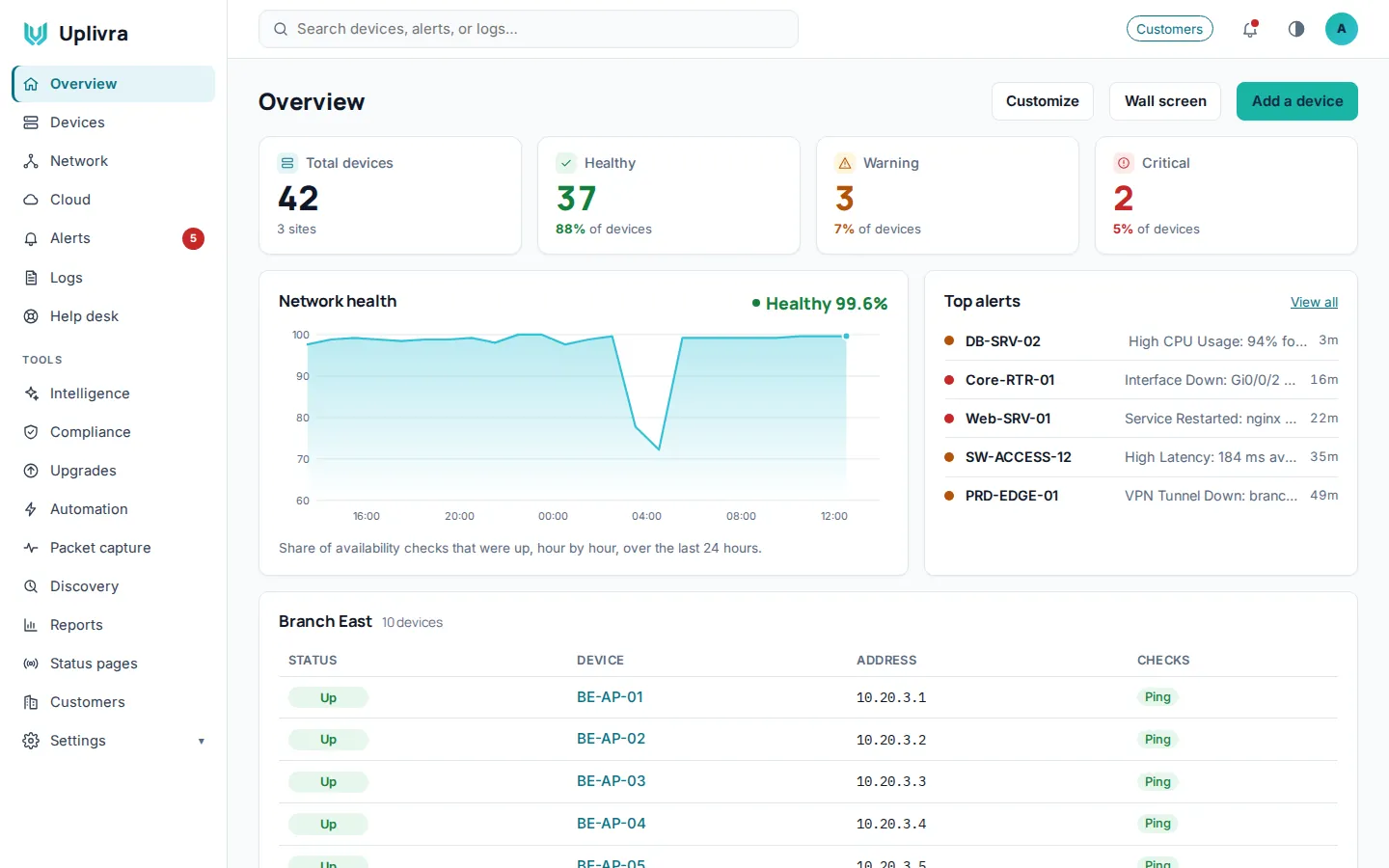
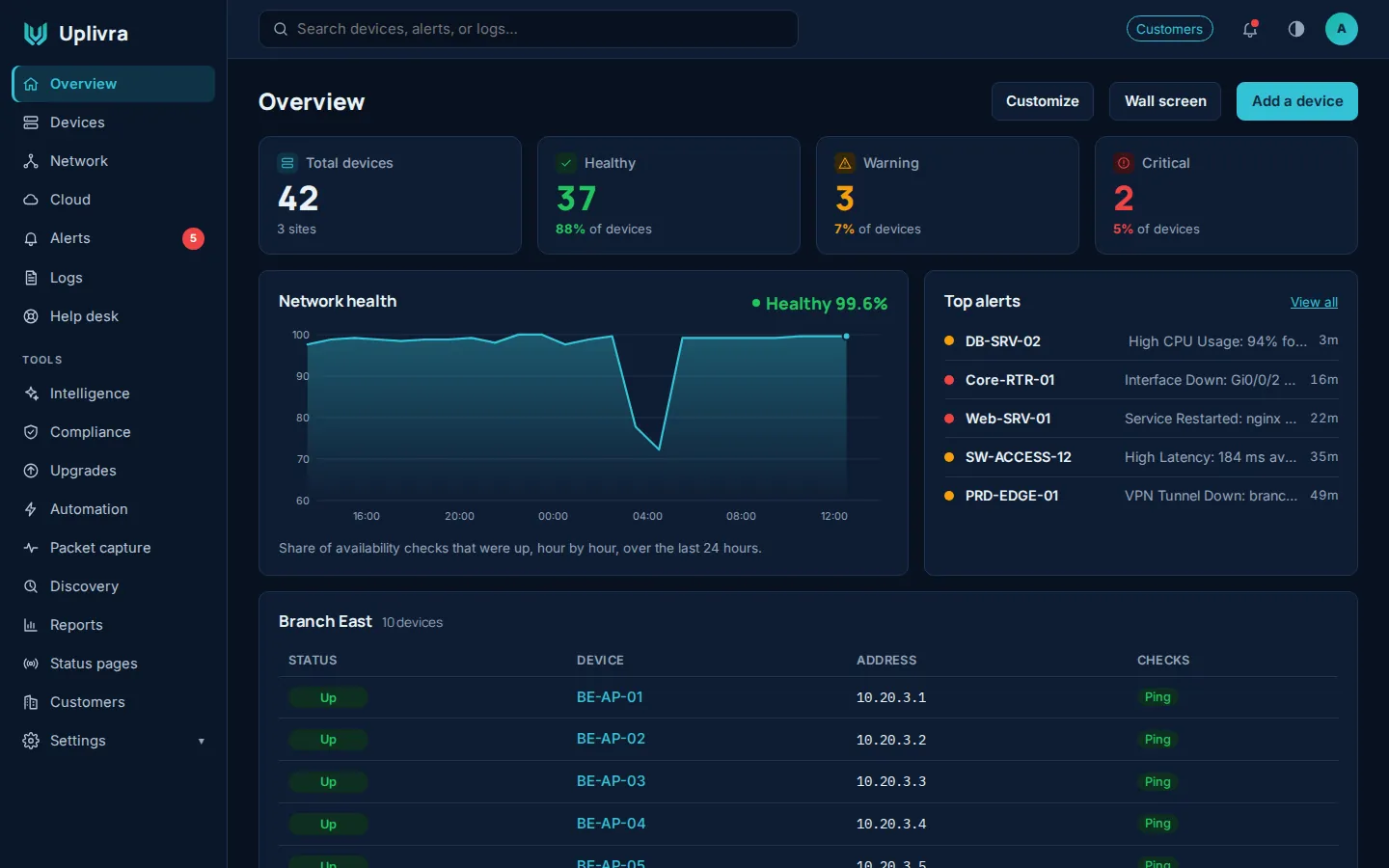
All of it is on one dashboard, plus a wall screen for the office. See every module.
Built for teams that can't use the cloud
Government
A CIS-hardened appliance, offline updates for closed networks, signed releases, TLS 1.3, tamper-evident logs and audit evidence on demand. Limited licensing and optional health information can be sent to Uplivra over HTTPS, and can be reduced or turned off. How Uplivra is secured.
MSPs
Every customer is kept apart as a tenant in one installation, with master collectors in your own data center and router mode for overlapping customer networks. MSP guide and partner program.
Enterprise
Collectors at every site with automatic failover, Active Directory and LDAP sign-in, roles and permissions, and log retention measured in years. Architecture diagrams.
Pricing that doesn't punish growth
Free for up to 15 devices, with no card and no license key. Above that, you pay per device each month, and the price per device goes down as you grow. Each band is priced separately: $2 each for the first 50, $1.75 each for the next 50, $1.50 each for the next 50, $1.25 each for the next 50, then $1 each after 200. Paying yearly takes 15% off. The minimum charge for a paid plan is $25 a month.
Monitor 15 devices free, today: no card, no license key.
Deploy your way
Create a free account
Register on the customer portal and download Uplivra.
Install the server
On Ubuntu (Intel/AMD or ARM) or Windows, as the VMware virtual appliance, or on a physical server from the installer ISO.
Add a collector at each site
Scan the network. Checks start reporting within a minute or two.
Plan on about 30 minutes, depending on your download speed. Install guides and system requirements.
Frequently asked questions
What is self-hosted network monitoring software?
Software that watches your routers, switches, firewalls, servers and services, and runs on servers you control. Its monitoring results, logs and passwords are stored there, not in a vendor's cloud. Uplivra installs on your own Linux or Windows server, or as a virtual appliance.
Is self-hosted monitoring more secure than cloud-based monitoring?
It can be: your network's details stay under your control, and there is no shared vendor platform holding them. It also means the server is yours to look after, so keep it updated and limit who can reach it. Uplivra helps with a CIS-hardened appliance, signed updates, TLS 1.3 and tamper-evident logs.
Can network monitoring work without internet access?
Yes, when it's self-hosted. Uplivra monitors and alerts entirely on your own network. Servers without internet access renew their license every three months with a file from the customer portal, and upgrades come as signed offline packages.
How much does self-hosted network monitoring cost?
Uplivra is free for up to 15 devices. Above that it costs $2.00 per device per month for the first 50, stepping down band by band to $1.00 per device after 200, with 15% off when you pay yearly. The pricing page shows every band. You provide the server it runs on.
What is the difference between self-hosted and on-premises monitoring?
On-premises means the software runs on hardware in your own building. Self-hosted is wider: you run it yourself, on your own hardware or in a cloud account you control. Either way, the data stays with you, and Uplivra works both ways.
Can I try Uplivra before buying?
Yes. The free plan covers up to 15 devices with no time limit, no card and no license key, so you can run it on your real network before you pay for more.
Learn more
Security · Architecture · How we compare · Install guides · Pricing
Monitor 15 devices free, today
No card, no license key. Your data stays on your servers.