

Home › Modules › Log Intelligence

Log Intelligence
Syslog from firewalls, switches and servers, parsed and searchable in seconds, kept for as long as your auditors need, encrypted on your own log collector with off-site copies.
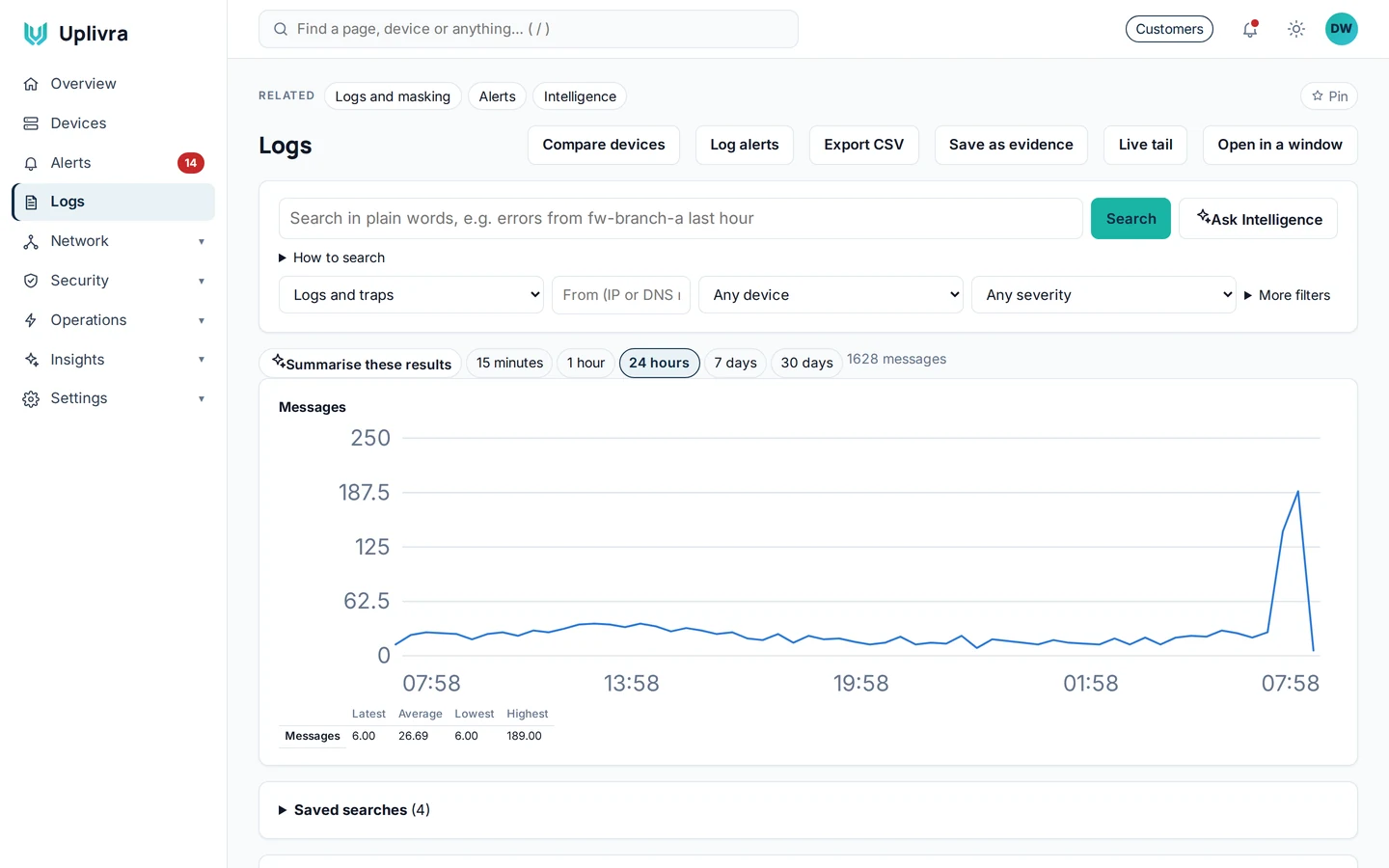
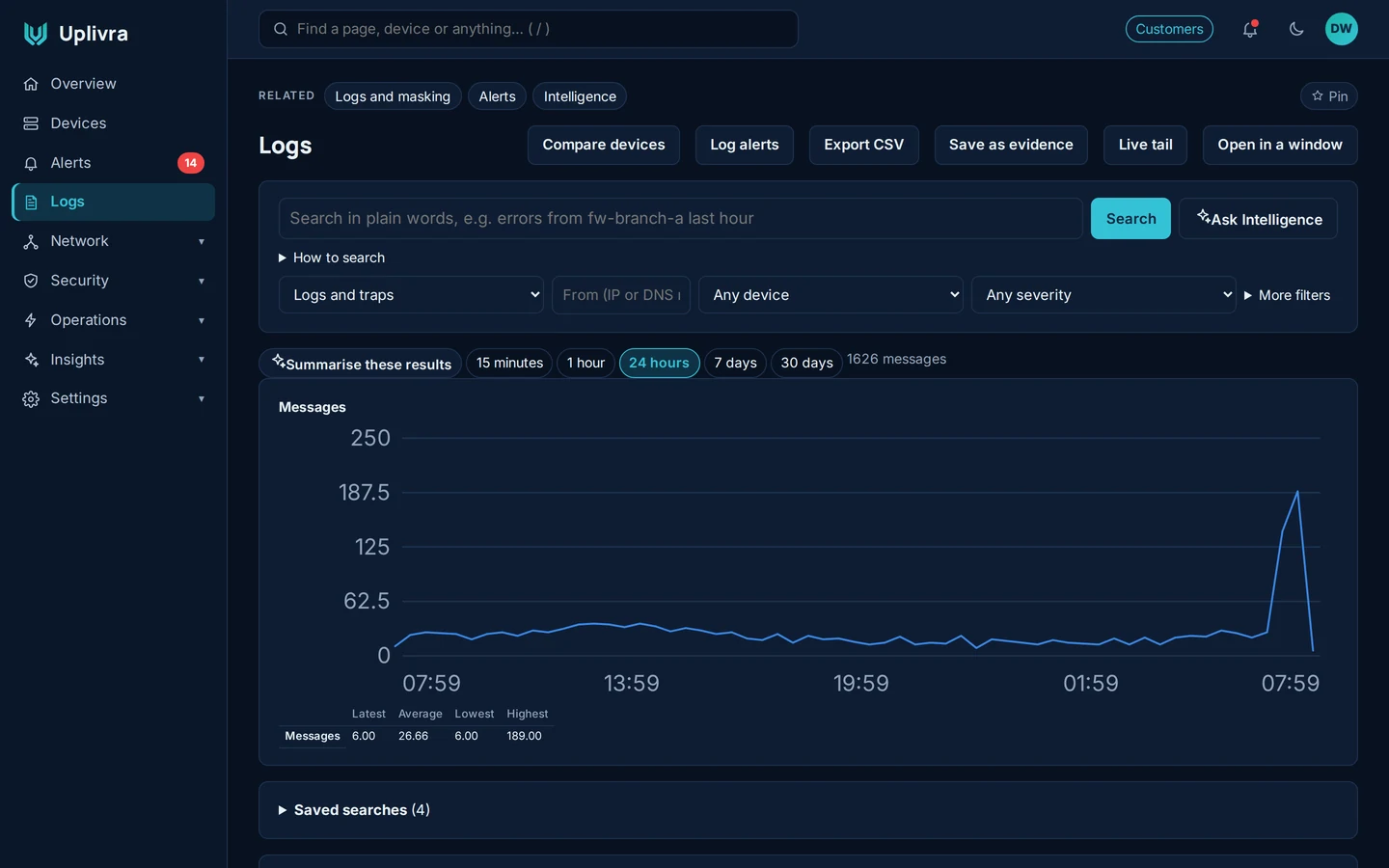
Collect everything, in one place
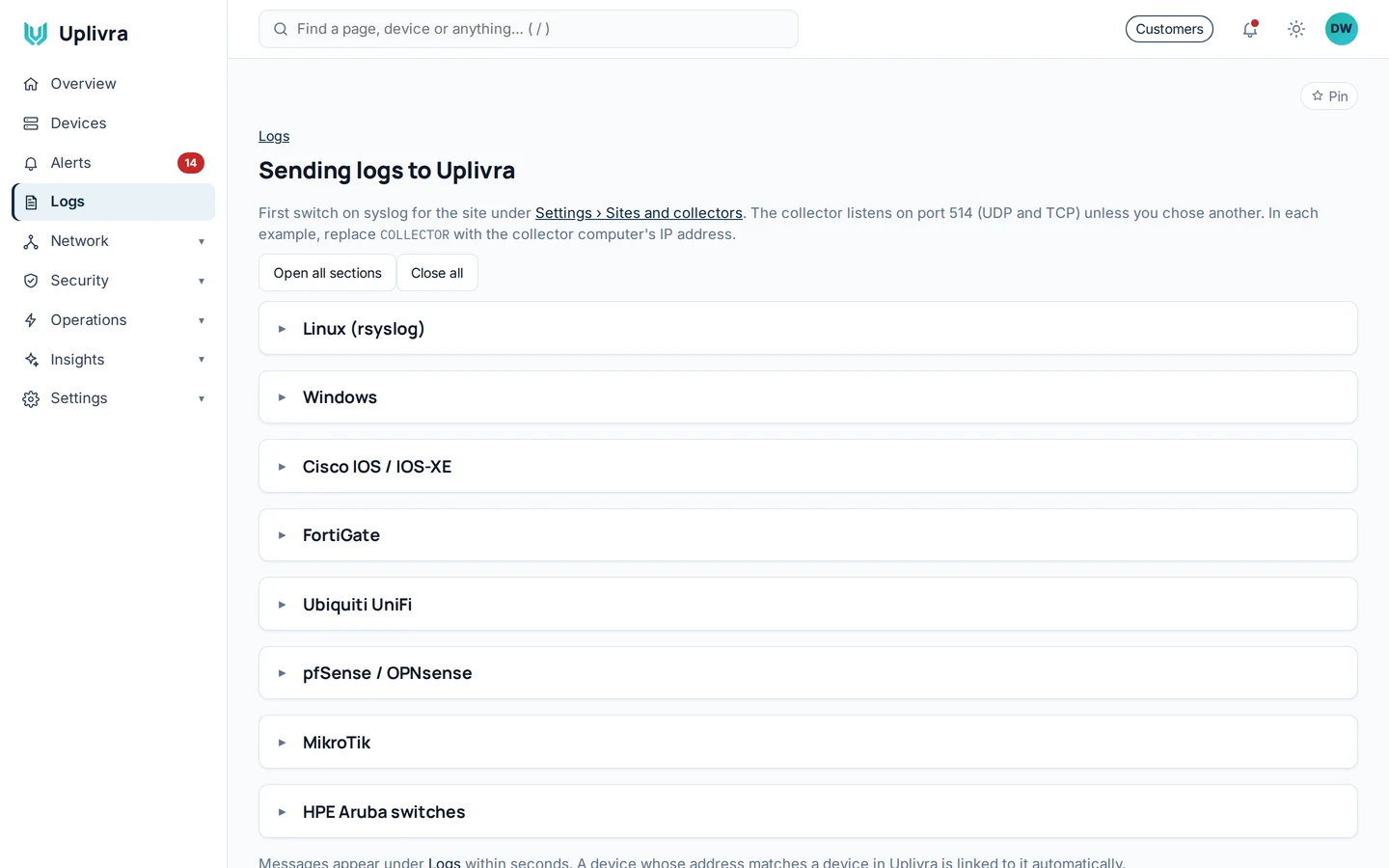
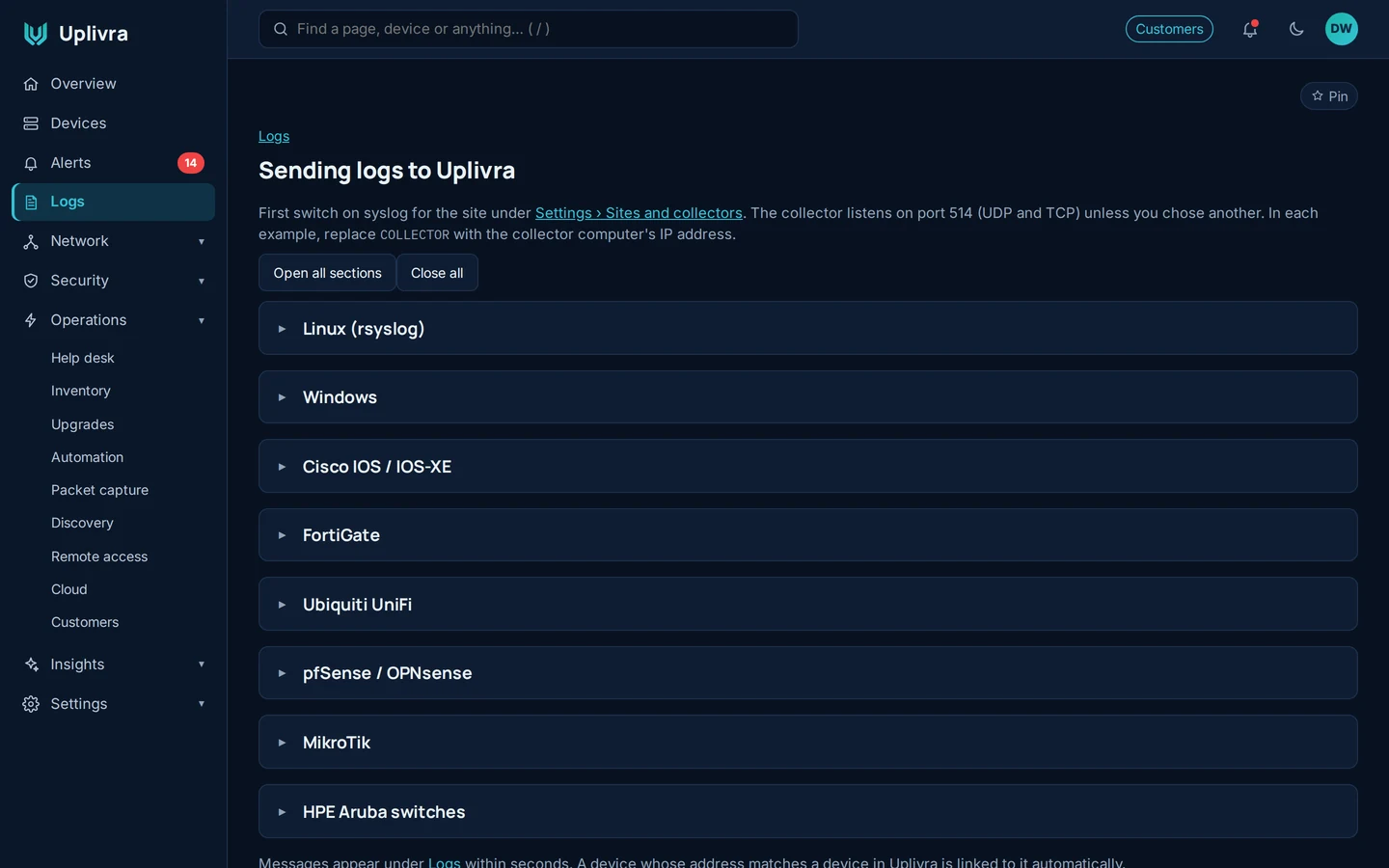
Point your devices' syslog at a Uplivra log collector (UDP or TCP, port 514 by default). Uplivra parses each message, recognizes the device that sent it, pulls out useful fields such as users, addresses and ports, and makes it searchable in seconds. The latest messages also appear on each device's page, next to its checks and traffic.
The log collector can run on the same computer as a regular collector, which is fine for small sites. For anything bigger, we recommend its own computer with its own disk. The installer asks how many devices will send logs and how long to keep them, then tells you how much storage you need before anything is installed.
Search that answers questions
Search words, exact phrases, hosts, applications and fields. See volume over time, save searches, and turn any search into an alert, for example "more than 5 failed logins in 10 minutes". Live tail shows messages as they arrive.
Kept safely, for as long as you need
- Encrypted at rest with AES-256-GCM. The key is also escrowed, encrypted, on your Uplivra server, so a lost log collector doesn't mean lost logs.
- Tamper-evident: every hour's archive is hash-chained, and
uplivra logs verifyproves nothing was removed or changed. - Retention presets: Recommended (keep a year), PCI DSS (keep a year), HIPAA (keep six years) and CIS Controls (keep 90 days), or your own numbers. Each preset also sets a protected period that Uplivra will never delete to make room; it warns you instead.
- Storage warnings at 75% full, or when the disk will fill within 30 days at the current rate, whichever comes first, and a critical alert if the archive ever fills.
- Off-site copies to Amazon S3 (with Object Lock, so they can't be deleted early), Azure Blob Storage, Backblaze B2, Wasabi, MinIO or a network folder.
- Forward to your SIEM if you have one.
Send a copy anywhere
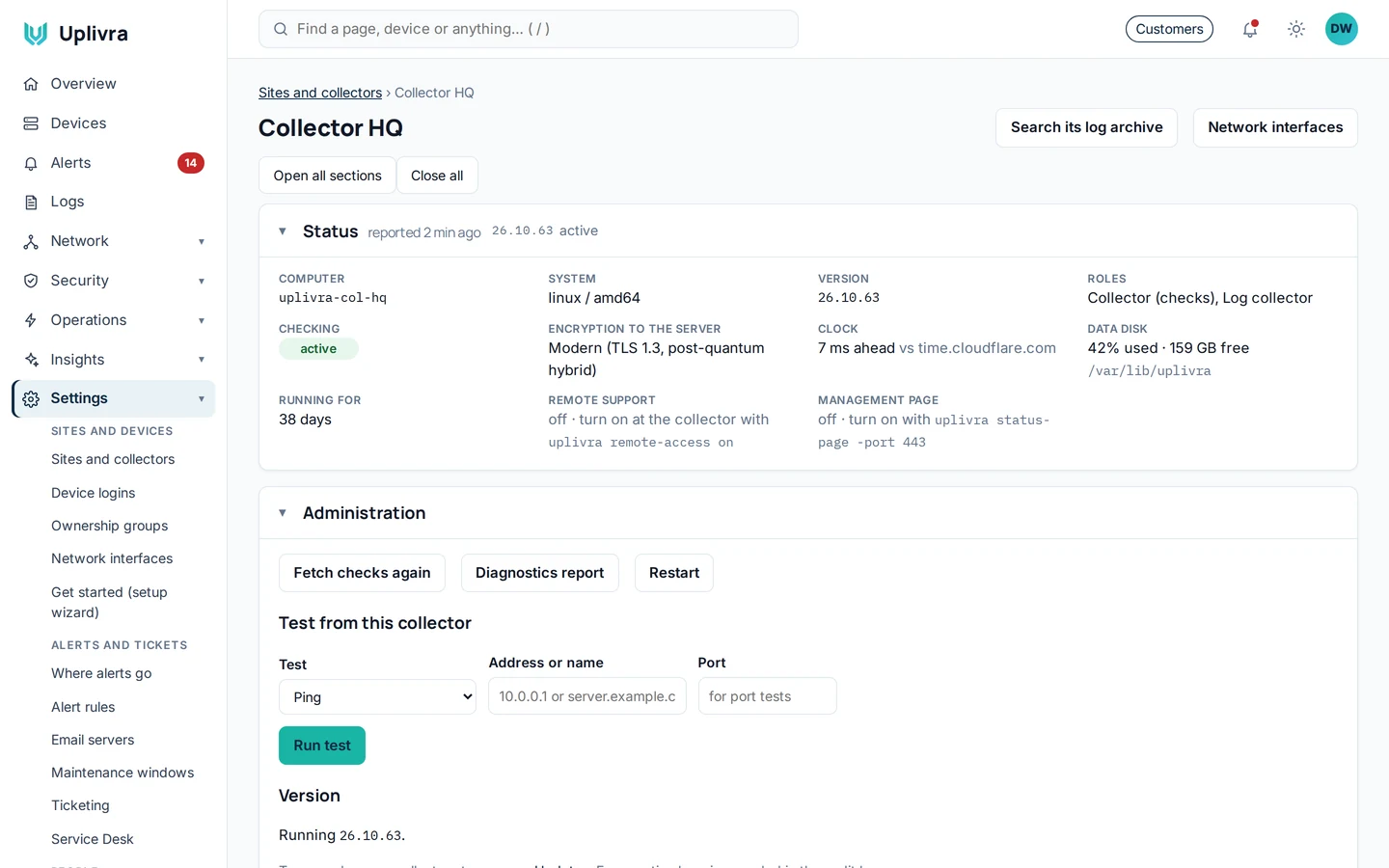
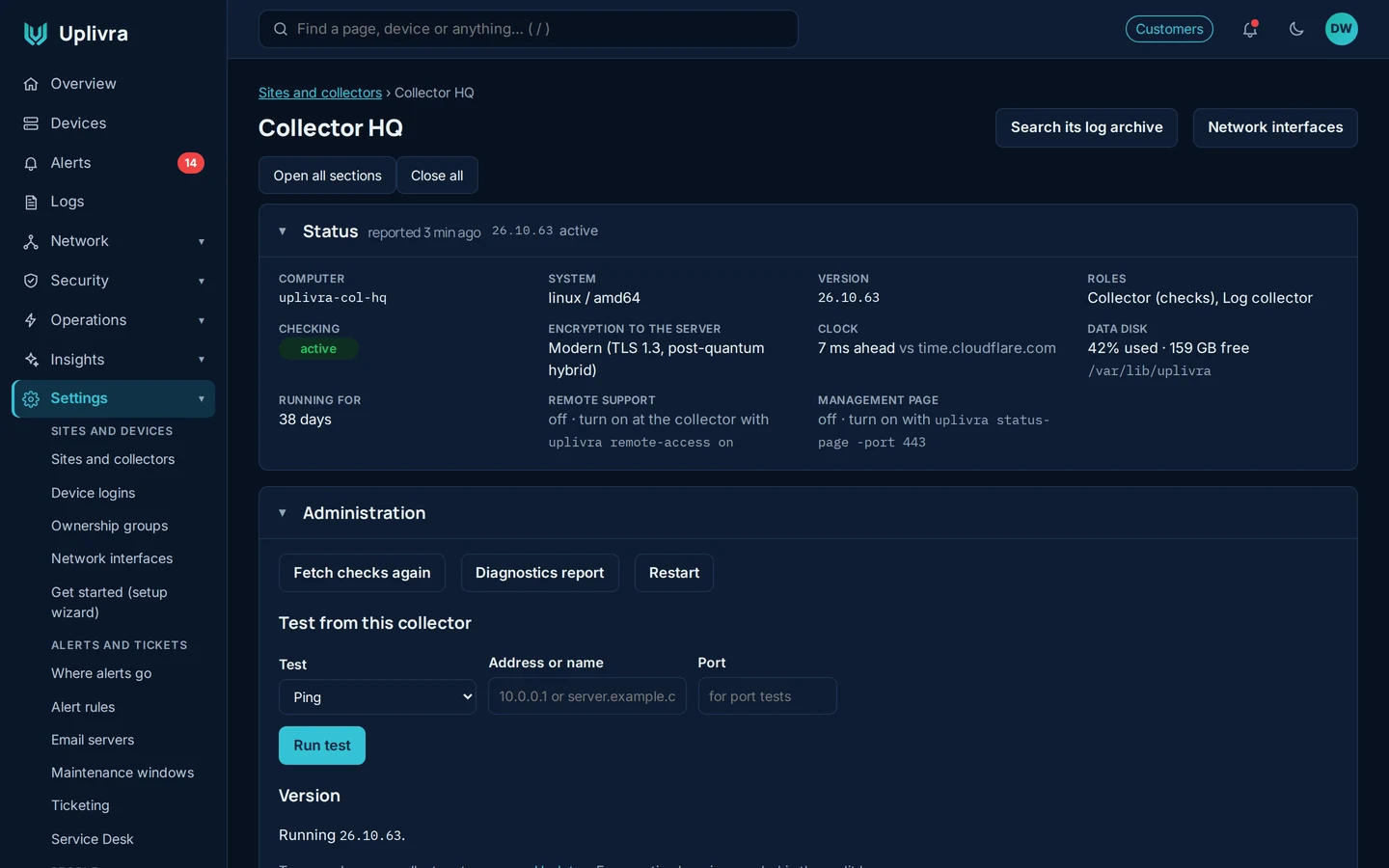
Forward logs and SNMP traps from your collectors to your SIEM or syslog server (TLS, TCP or UDP), an HTTPS collector such as Splunk HEC, or Amazon S3, S3-compatible storage or Azure Blob as compressed files, straight from Settings › Logs › Log forwarding. Collectors can send their own warnings and errors too. How to set it up.
How much it handles, and what you need
Log Intelligence is included with Network Pro at no extra charge — there's no per-gigabyte fee and no tier to buy. The only real limit is the storage and the collector you give it.
A typical small-business mix of firewalls, switches and servers produces about 3 log messages a second per device. After compression that's about 0.4 GB a day for 25 devices, roughly 150 GB for a year. As a rough guide to monthly volume: about 50 GB a month covers ~15 busy firewalls or servers, 150 GB ~50, 500 GB ~150 and 1,500 GB ~500. The installer asks how many devices will send logs and how long to keep them, then tells you the storage you need before anything is installed, and Uplivra re-checks the estimate against your real volume.
For a large volume, give the log collector its own computer with its own disk instead of sharing one with a regular collector: a fast local disk (SSD or NVMe) for the live, searchable index; enough space for your retention window (the monthly volume above x how many months you keep); and off-site copies to Amazon S3, Azure Blob or a network folder for the long tail. You can run more than one log collector, each for its own sites, so volume scales out instead of piling onto one machine.
Other modules

Core monitoring
Availability, services, SNMP and websites, with alerts people act on
$1 per device per month after 15 free devices. No monthly minimum; 15% off when paid yearly
Network Pro
Ports, network map and traffic flows on every device
+$2 per device per month
Upgrade & Lifecycle
Firmware, end-of-life dates and upgrades with proof they worked
$2 per device per month
Compliance & Evidence
Controls tested every day, evidence ready for the audit
$5 per device per month
Packet Capture
Record all the time, pull the moment it went wrong
Included with Network Pro
ITSM Integration
Changes, approvals and incidents in the ticketing system you already use
$1 per device per month (price under review)
Vulnerability Scanning
Know which boxes are exposed, and who owns the fix
$5 per device per month
Access Control
One place for every admin login, every command, and temporary access that ends by itself
$5 per network device per month
Native Service Desk
A help desk linked to your devices and alerts
$5 per help desk agent per month
DNS Security
Bad sites stopped before anyone connects, with a reason for every block
$1 per protected device per month (price under review)
Automation & Remediation
Runbooks for the routine fixes, with approval when you want it
$1 per device per month (price under review)
MSP multi-tenant
Every customer in one console, each one in charge of your access
$49 per month plus $5 per customer (price under review)
PCI CDE Monitoring
Monitoring built for the cardholder data environment
$4 per card-environment system per month, $49 minimum (price under review)