
Home › Modules › Automation & Remediation

Automation & Remediation
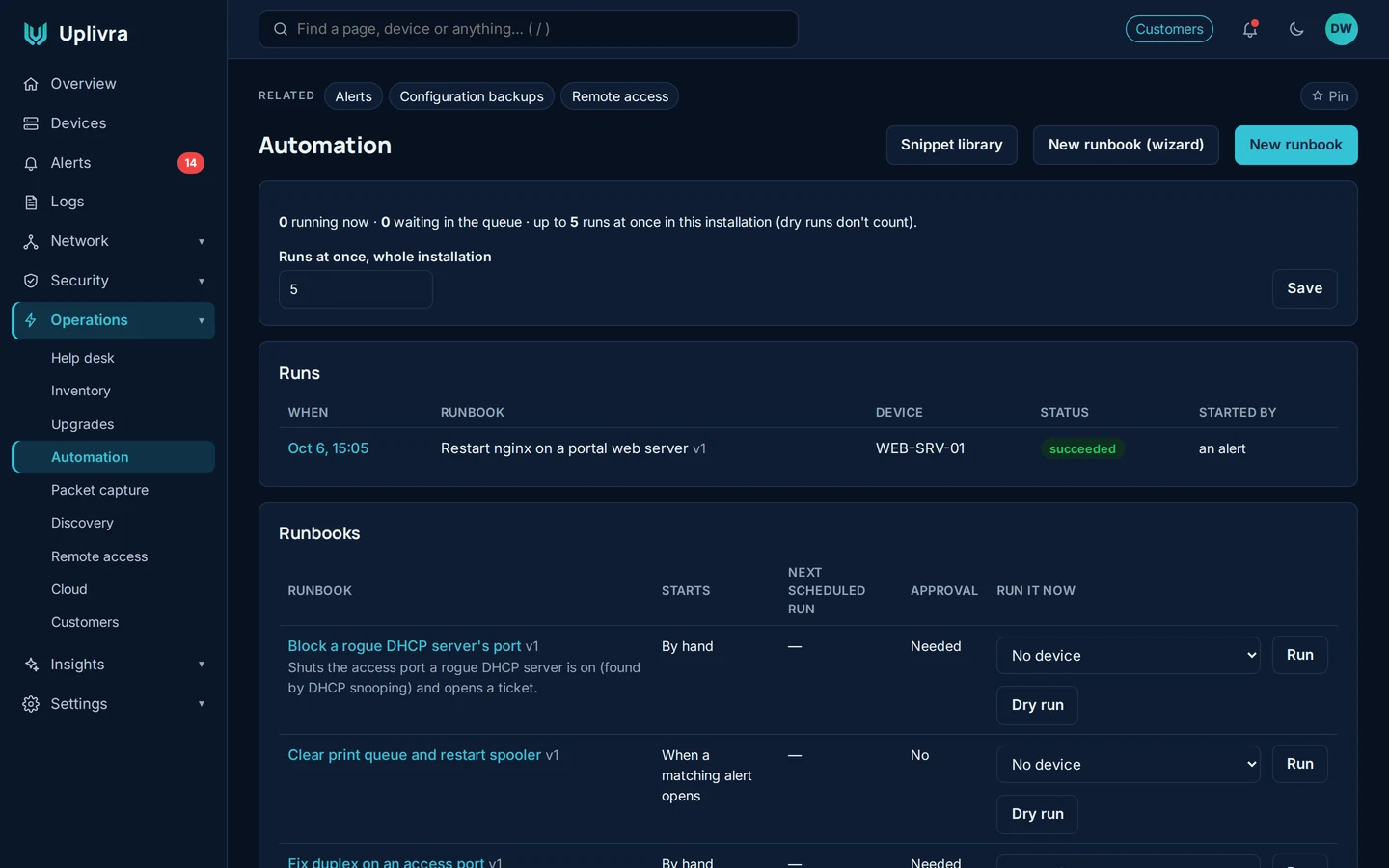
Let Uplivra do the routine fixes: restart a service, bounce a switch port, clear a print queue or call another system, by hand or automatically when an alert opens, with an approval step if you want one.
Choose Automation & Remediation if you want to…
Run runbooks and approved self-healing actions.
- What to count
- The devices runbooks act on.
- Example
- Restart services on 15 Windows servers: Automation for 15.
Runbooks
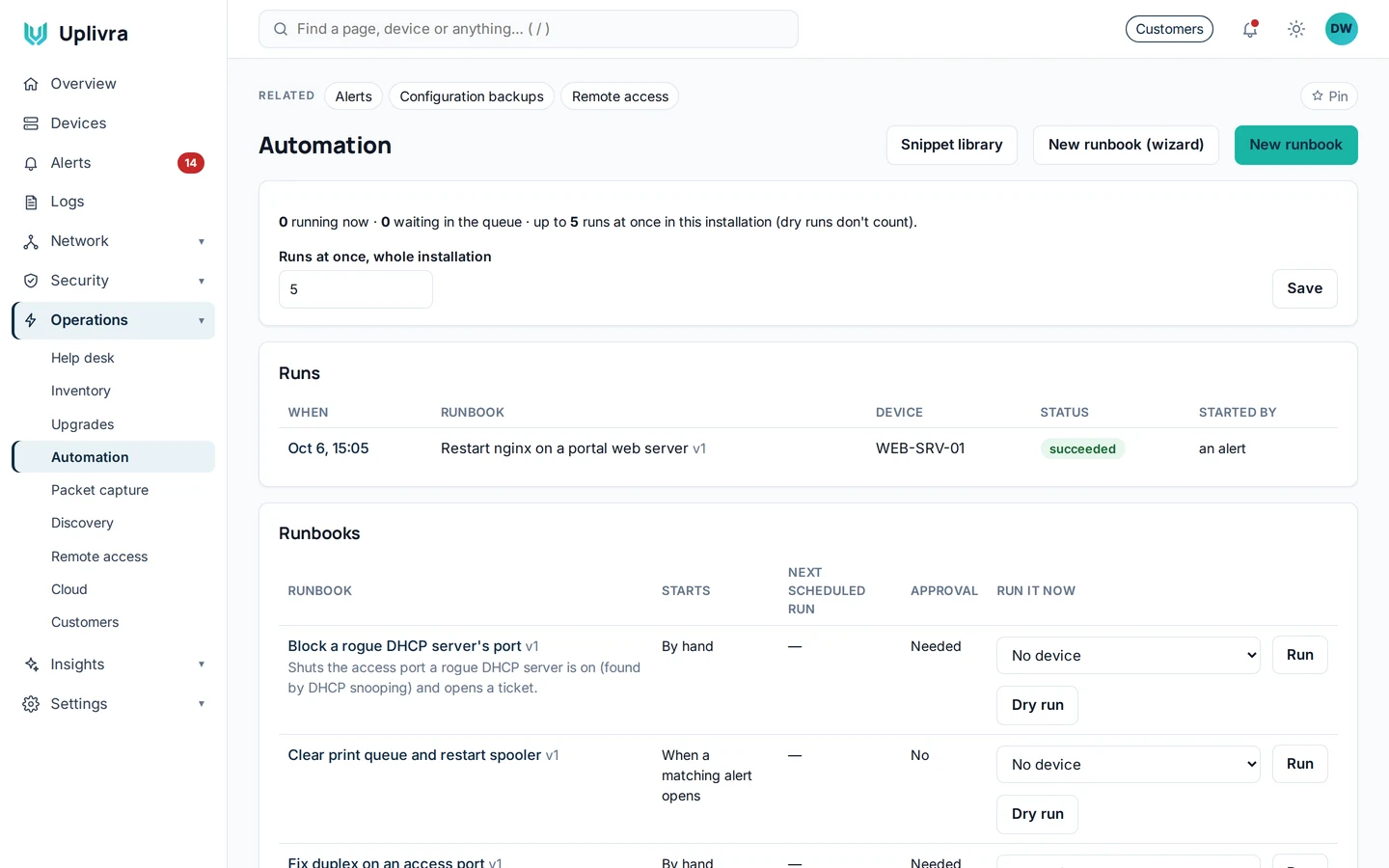
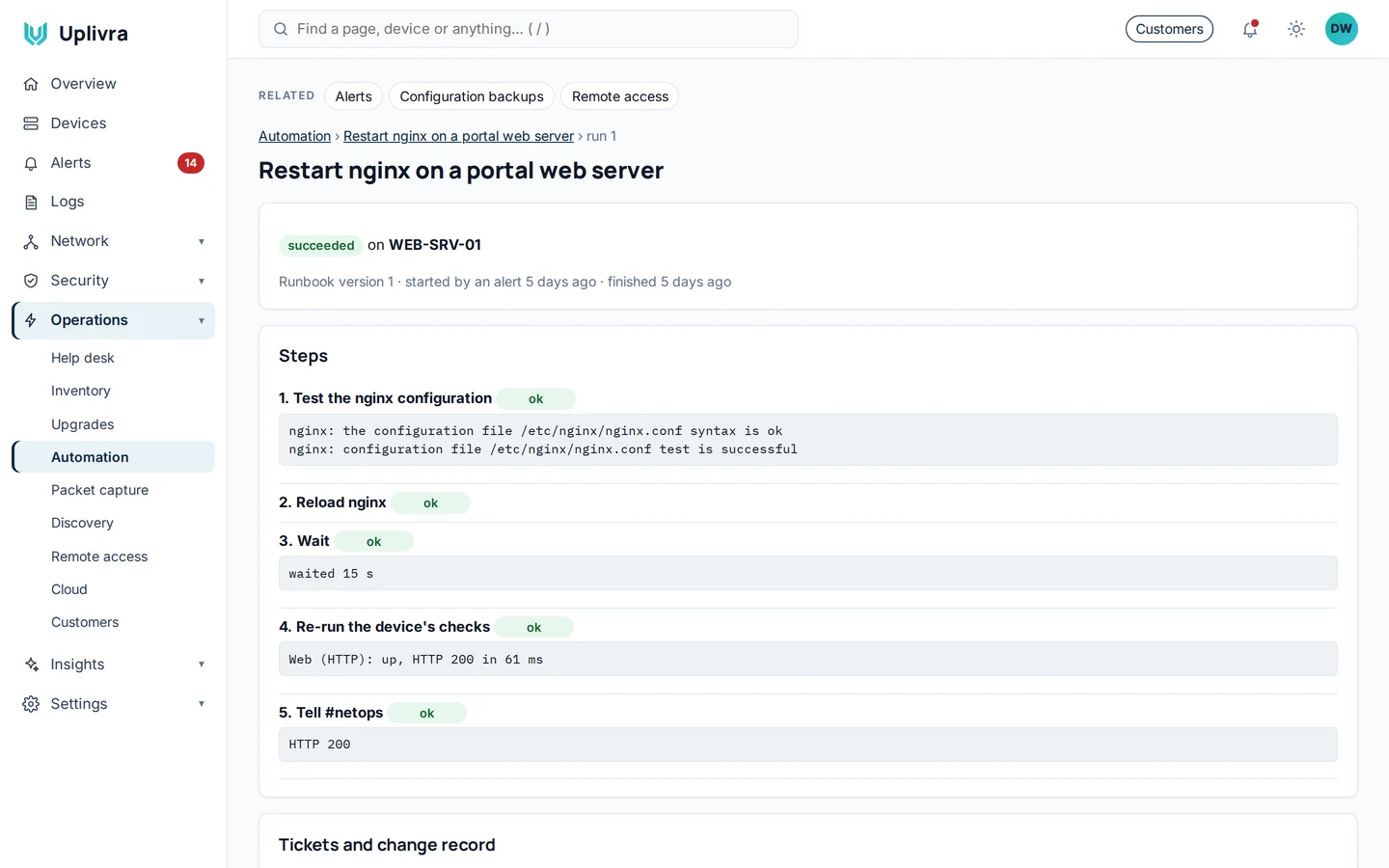
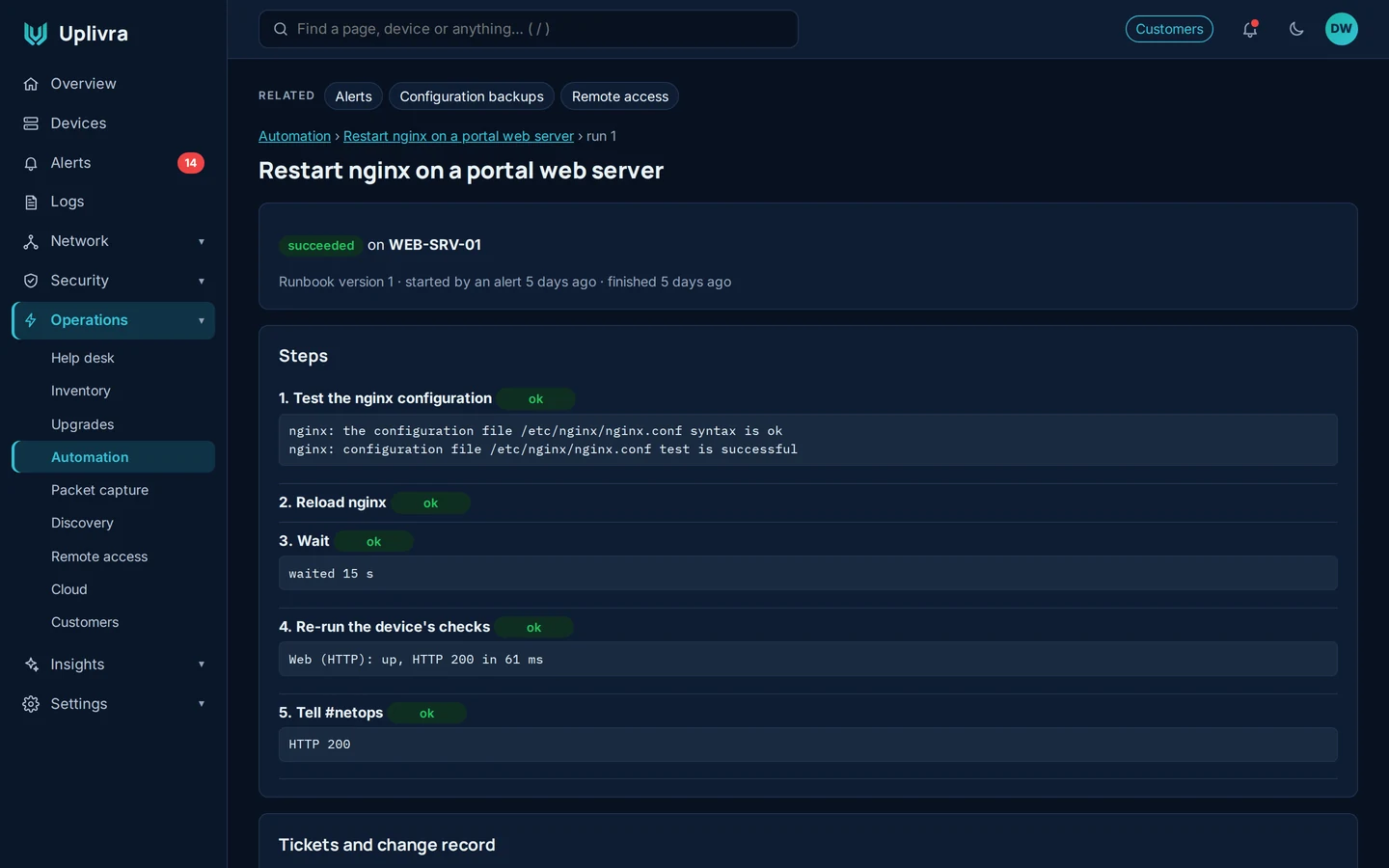
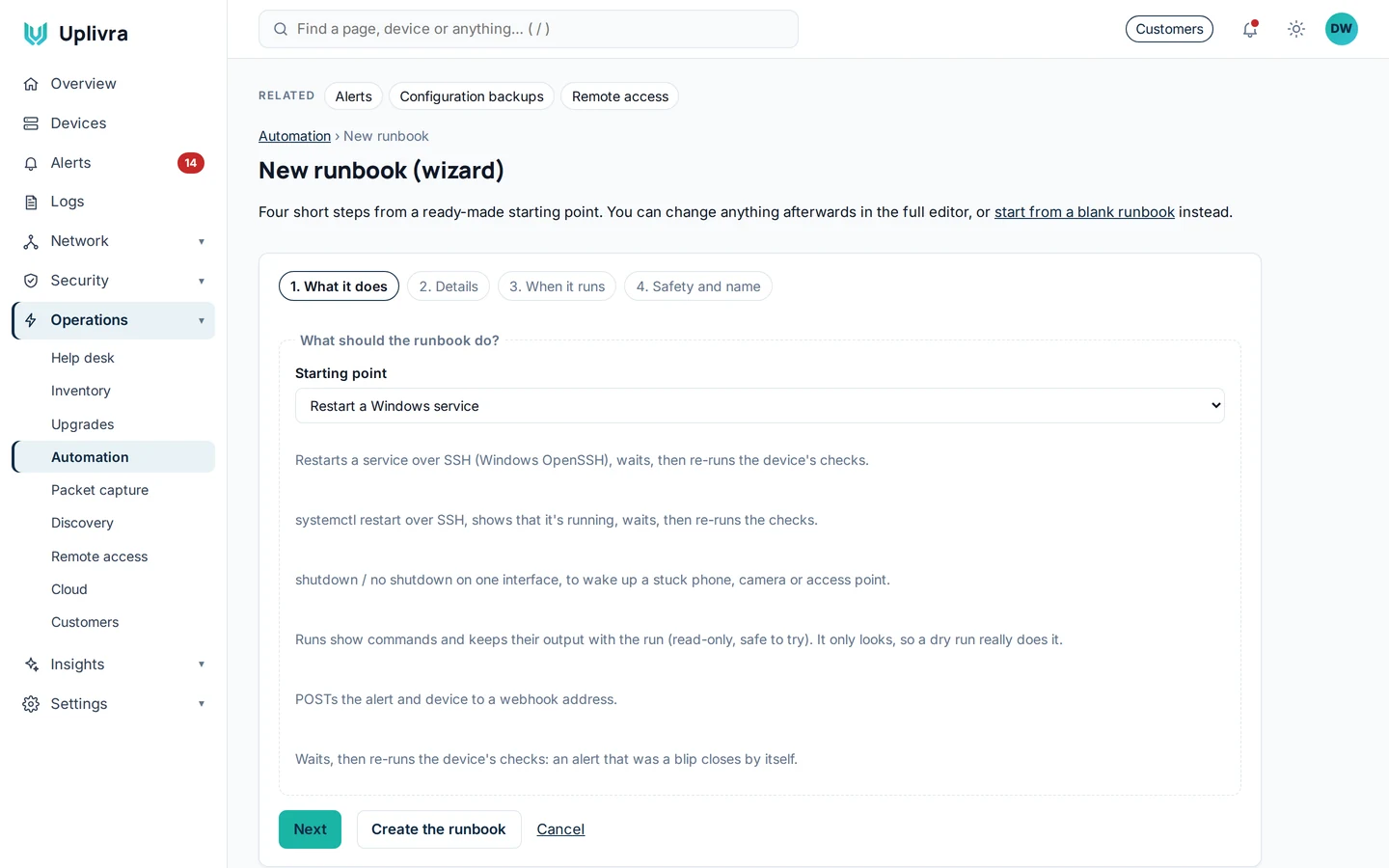
A runbook is a short list of steps:
| Step | What it does |
|---|---|
| Run commands over SSH | On a Linux or Windows server (OpenSSH), or on network equipment through its command shell |
| Call a web address | Tell another system something, with the method, headers and body you choose |
| Wait | Give a service time to come back |
| Re-run the device's checks | Confirm the fix worked |
| Acknowledge the alert | So nobody else starts on it |
Each step can stop the run if it fails, or carry on.
By hand, by alert or on a schedule
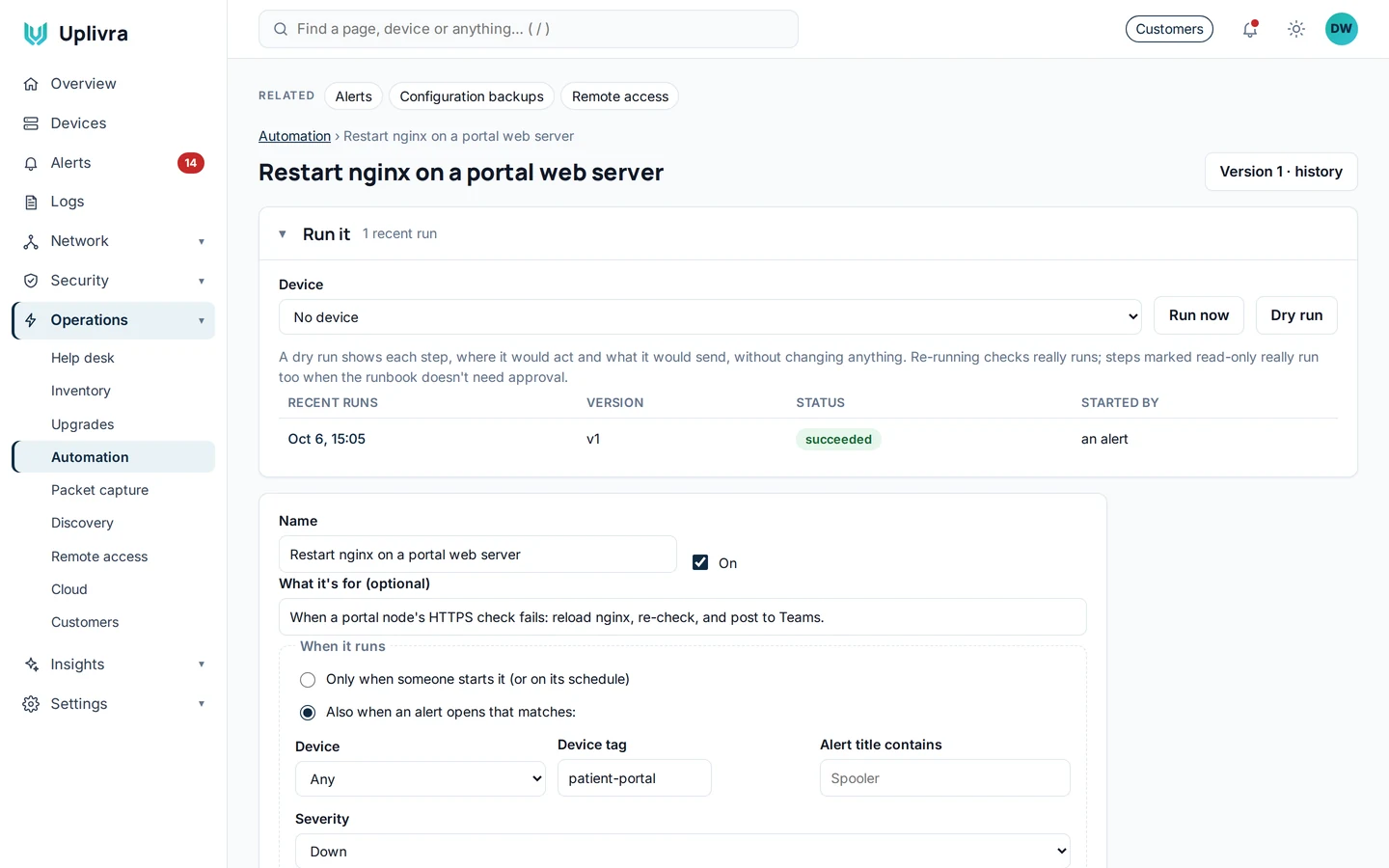
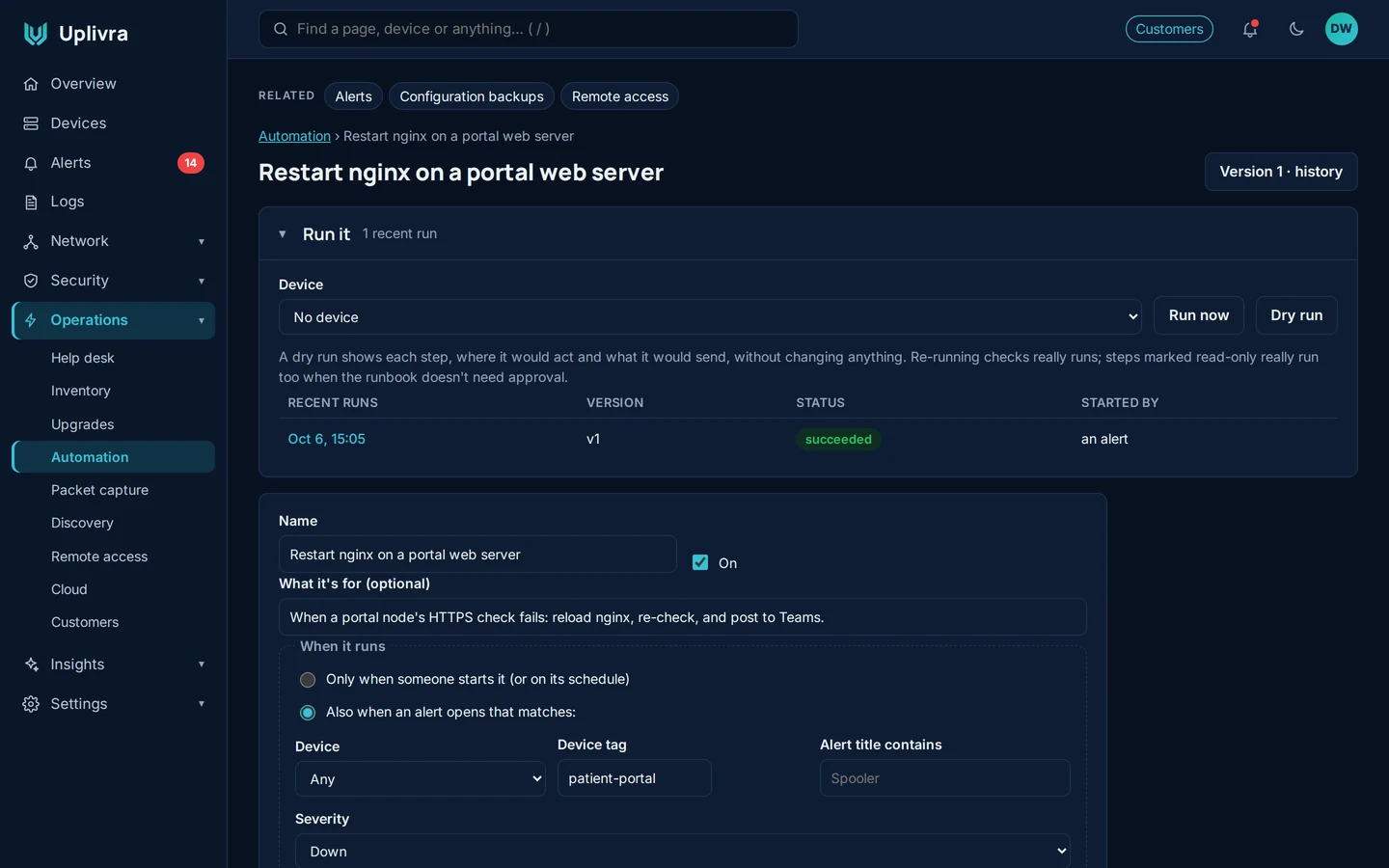
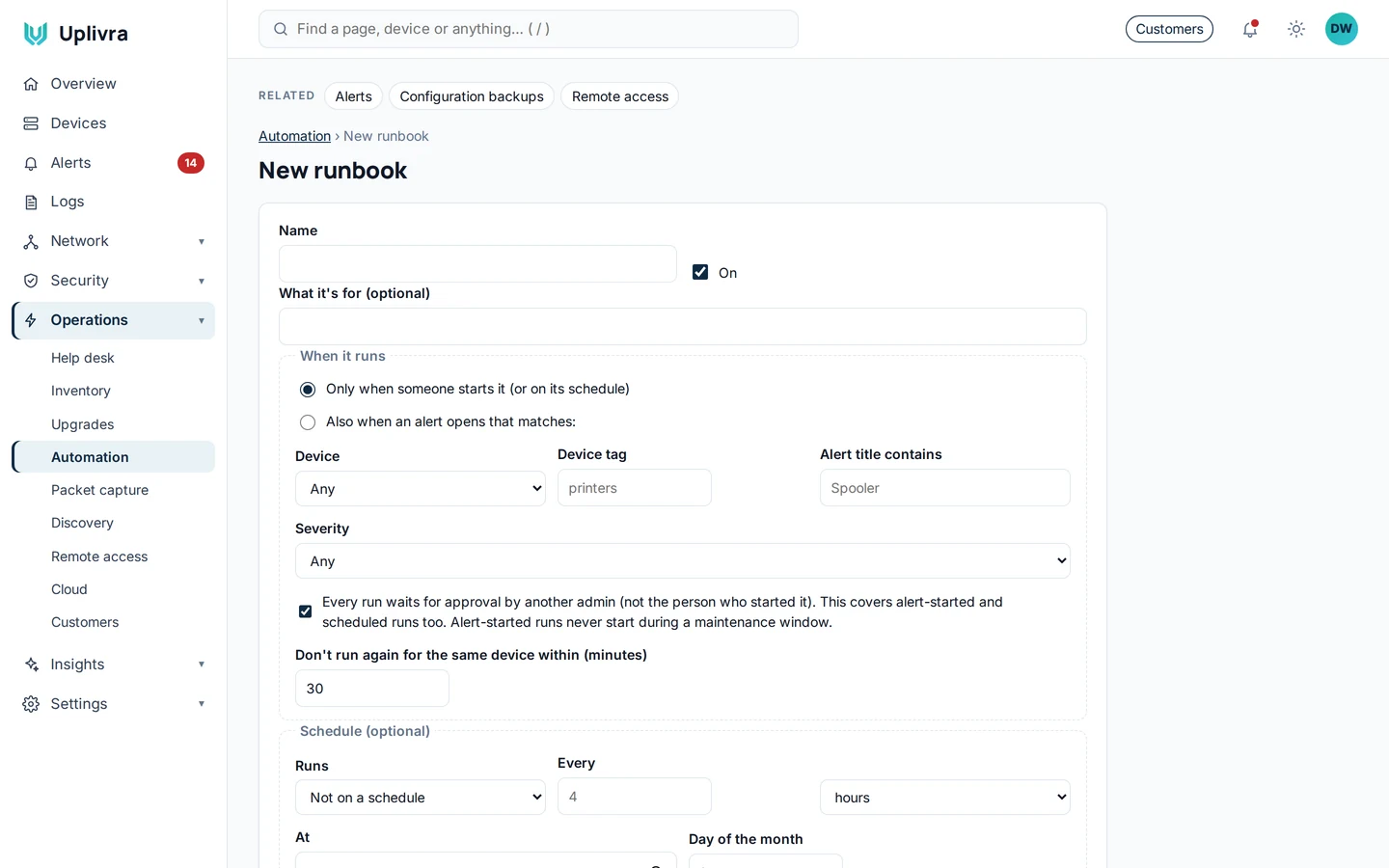
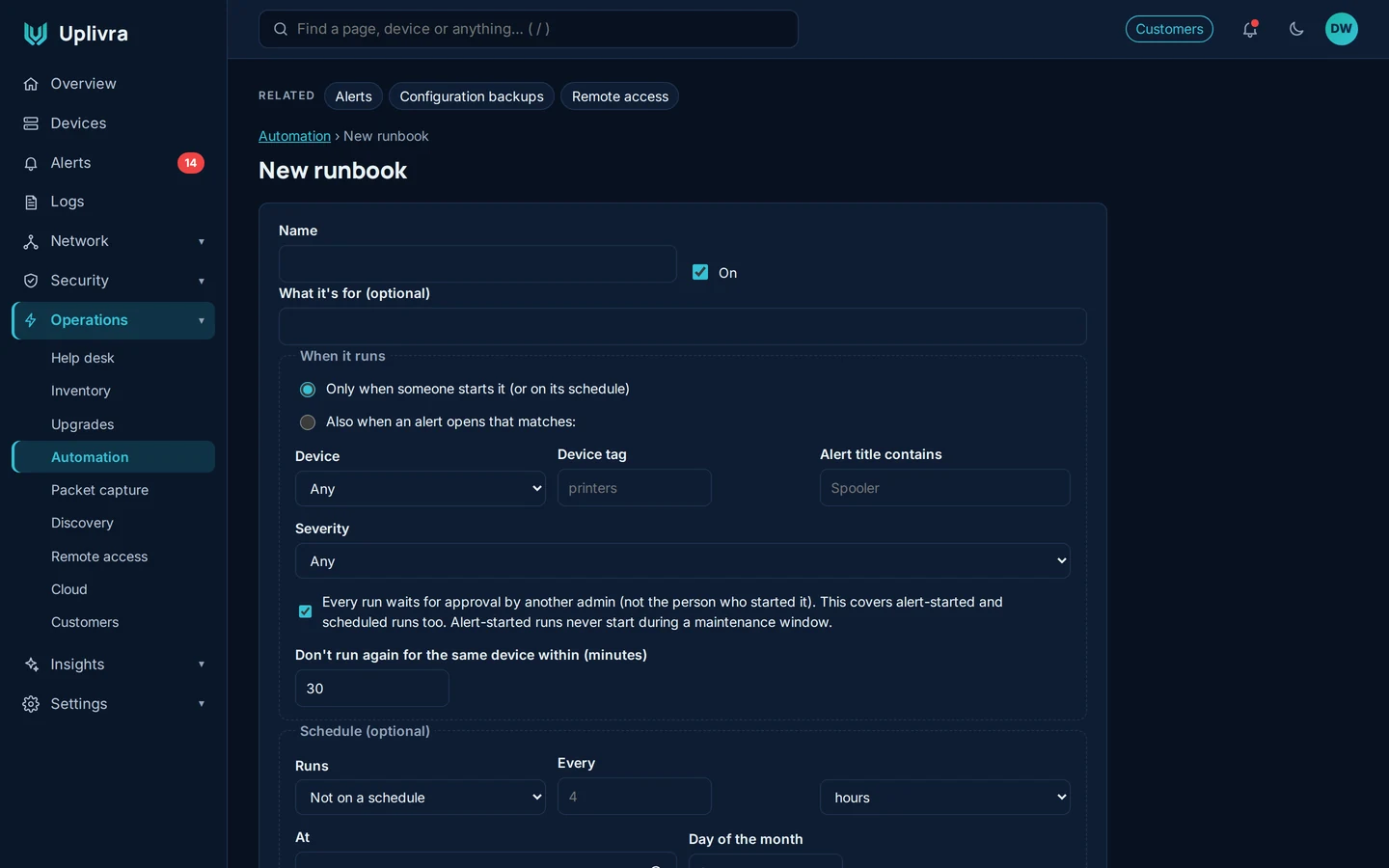
Run a runbook with one click, have it start when a matching alert opens, for example "Service Restarted: nginx stopped responding" on the web servers, or put it on a schedule: every so many minutes or hours, daily, on days of the week, or monthly, in the server's time zone or one you choose. Scheduled runs can skip, or wait out, maintenance windows. You can require another admin's approval for every run, however it started: the run waits, the admin approves or declines, and everything is recorded.
Try it first: dry runs
A dry run shows each step, the device or address it would act on, and exactly what it would send or run, without changing anything. Steps that only look, such as re-running checks, can really run, and are clearly marked.
Versions and rollback
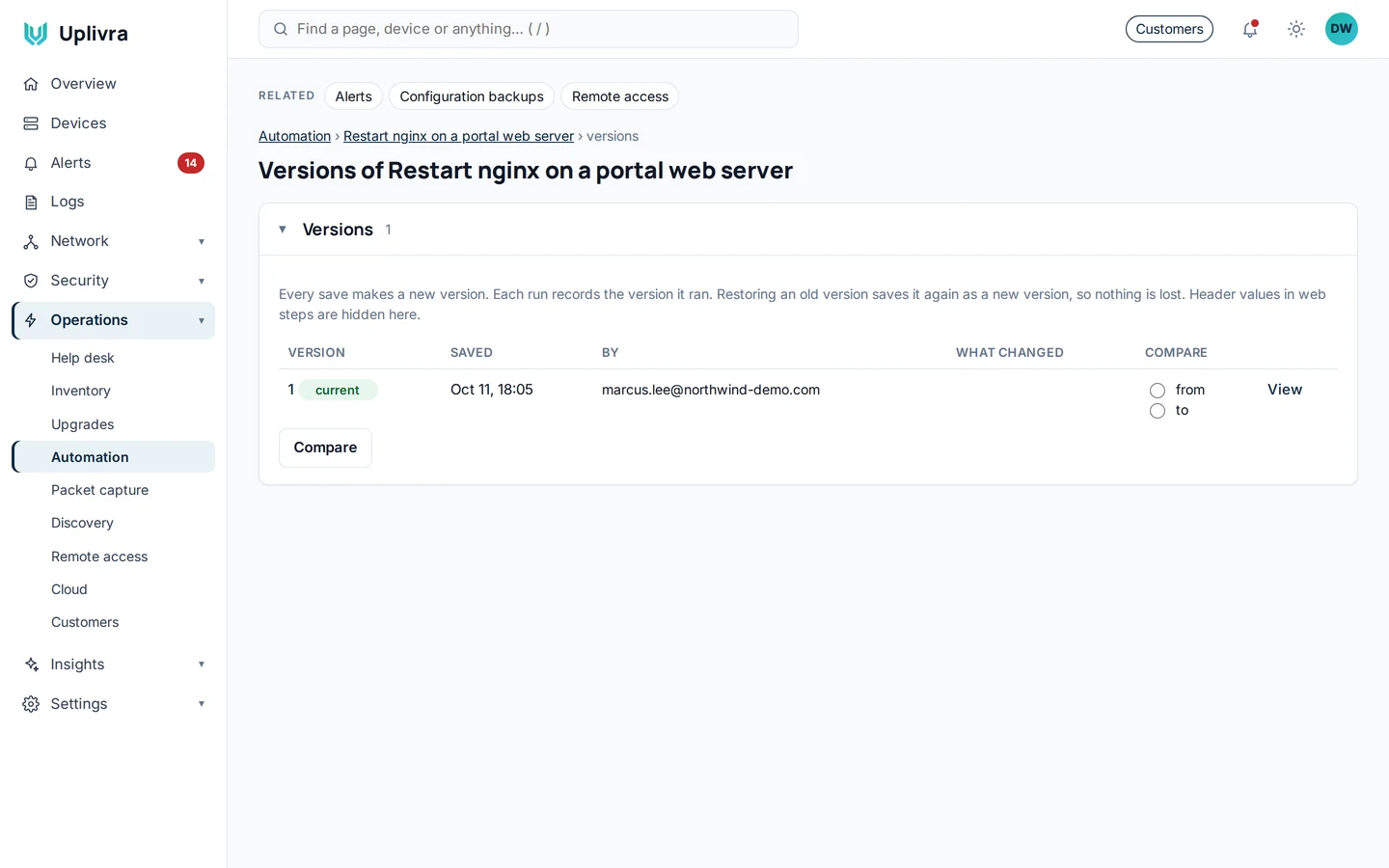
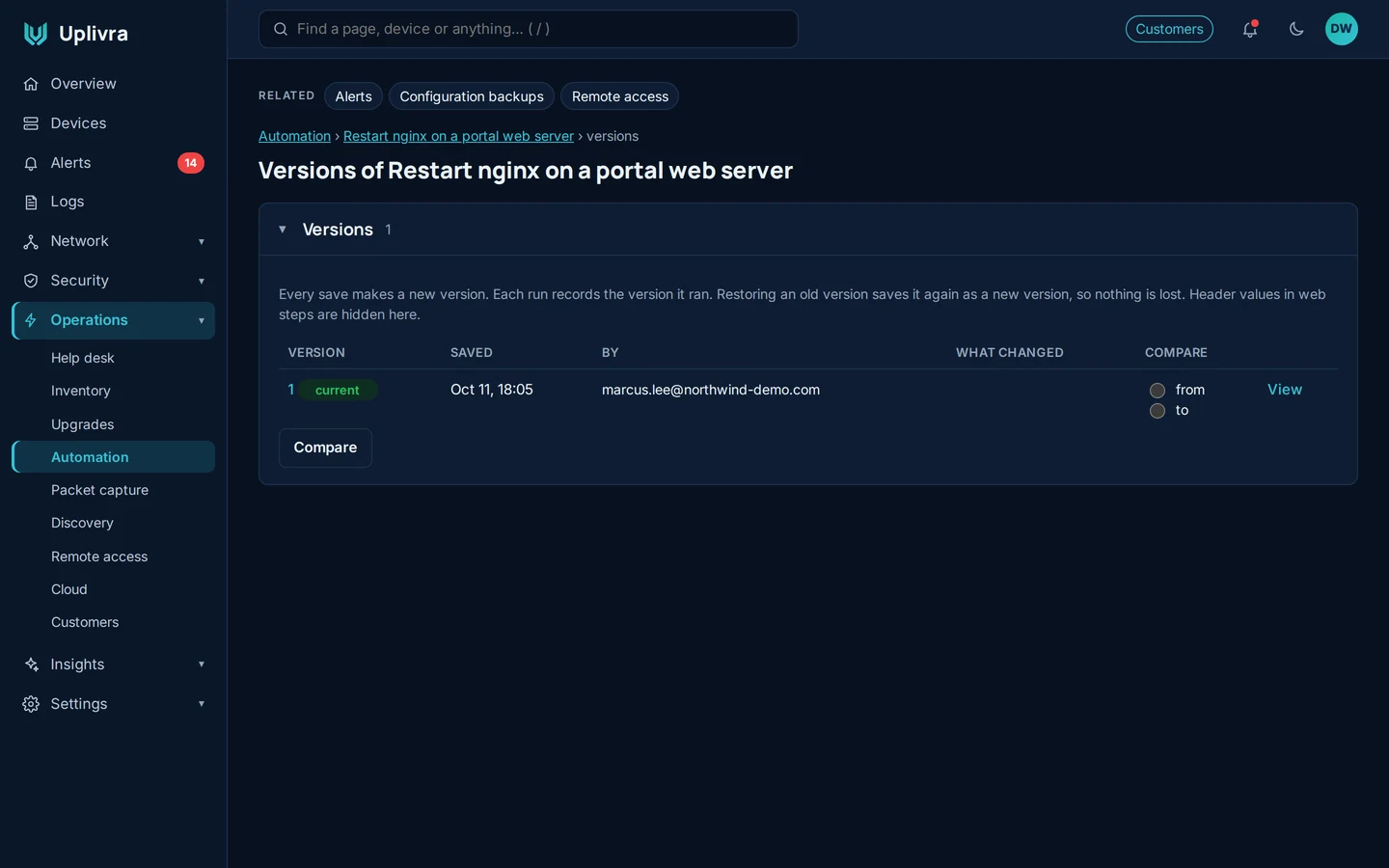
Every save is a numbered version: see who changed what, compare two versions, and restore an old one. Each run records the version it ran. Rollback steps put things back when a step fails, by themselves or when you press Roll back.
Tickets and change records
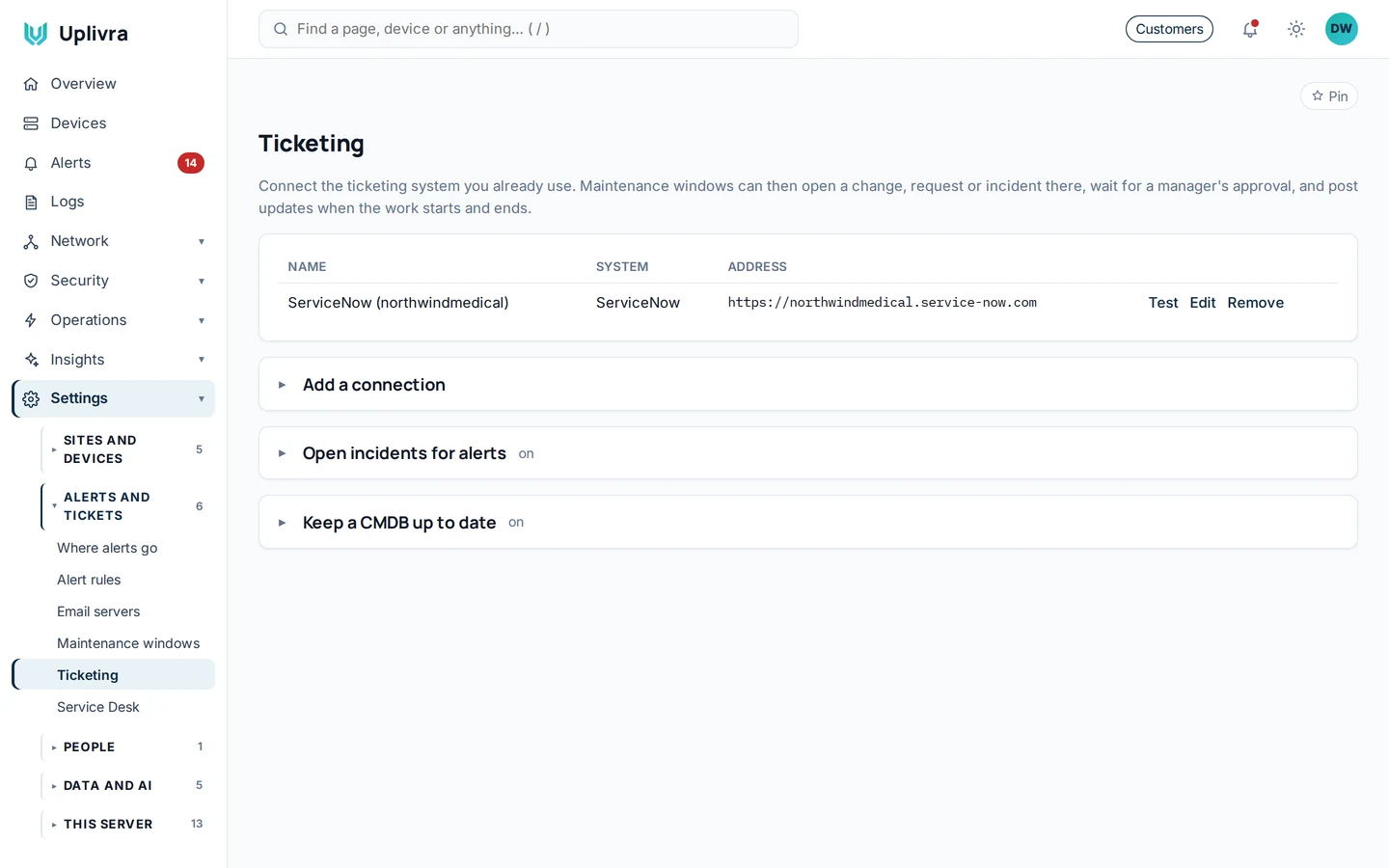
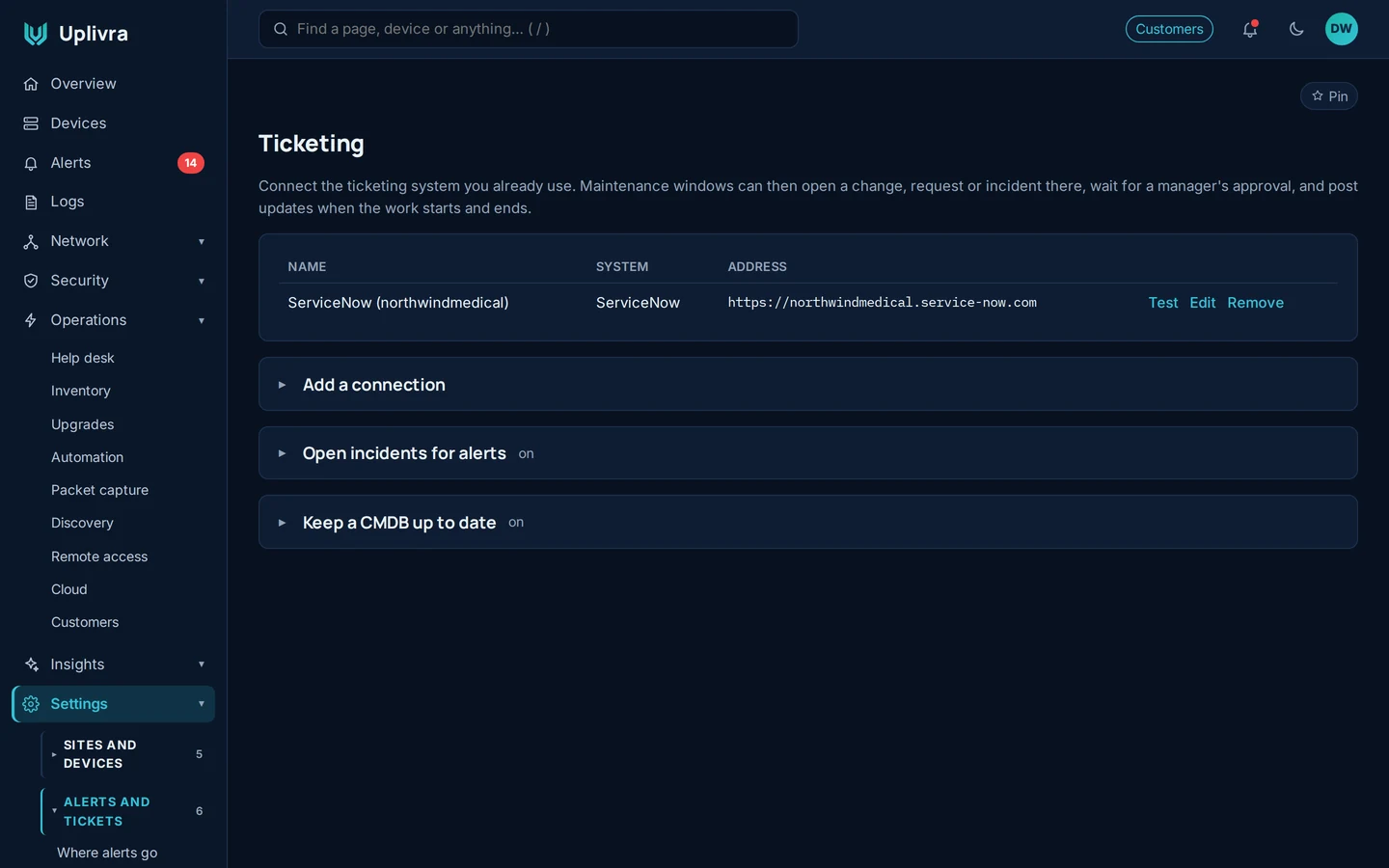
A run can open a Service Desk ticket (with the Native Service Desk module) or a ticket in ServiceNow, Jira, Freshservice, Zendesk or a webhook (with ITSM Integration), and link a maintenance window as its change record. Alert-started runs link to their alert and its ticket. Tickets get a note when the run finishes.
Safe by design
- SSH logins and passwords come from the encrypted credential store; runbooks never contain them.
- Every run records who or what started it, who approved it, the runbook version, each step's output and the result.
- Limits on how many runs go at once, per runbook and for the whole installation. Extra runs queue, or are refused with a clear message.
- Runbooks can be switched off without deleting them.
Ideas to start with
Restart a stuck Windows or Linux service, bounce a switch port that a camera or phone hangs on, clear a printer queue, flush DNS, or open a ticket in another system.
Pricing
$1 per device per month (price under review: it may change before general availability), for the devices runbooks can act on.
Other modules

Core monitoring
Availability, services, SNMP and websites, with alerts people act on
$1 per device per month after 15 free devices. No monthly minimum; 15% off when paid yearly
Network Pro
Ports, network map and traffic flows on every device
+$2 per device per month
Log Intelligence
Collect, search and keep every log, encrypted and tamper-evident
Included with Network Pro
Upgrade & Lifecycle
Firmware, end-of-life dates and upgrades with proof they worked
$2 per device per month
Compliance & Evidence
Controls tested every day, evidence ready for the audit
$5 per device per month
Packet Capture
Record all the time, pull the moment it went wrong
Included with Network Pro
ITSM Integration
Changes, approvals and incidents in the ticketing system you already use
$1 per device per month (price under review)
Vulnerability Scanning
Know which boxes are exposed, and who owns the fix
$5 per device per month
Access Control
One place for every admin login, every command, and temporary access that ends by itself
$5 per network device per month
Native Service Desk
A help desk linked to your devices and alerts
$5 per help desk agent per month
DNS Security
Bad sites stopped before anyone connects, with a reason for every block
$1 per protected device per month (price under review)
MSP multi-tenant
Every customer in one console, each one in charge of your access
$49 per month plus $5 per customer (price under review)
PCI CDE Monitoring
Monitoring built for the cardholder data environment
$4 per card-environment system per month, $49 minimum (price under review)