

Home › Modules › Compliance & Evidence

Compliance & Evidence
Uplivra tests the controls it can check automatically every day and keeps the results as dated evidence mapped to NIST CSF, HIPAA, SOC 2, PCI DSS and CIS Controls.
Choose Compliance & Evidence if you want to…
Produce audit evidence (HIPAA, PCI DSS, SOC 2, CIS, NIST) and run access reviews.
- What to count
- Only the devices in scope for the audit.
- Example
- A clinic with 60 devices, 25 of them holding patient data: Compliance for 25.
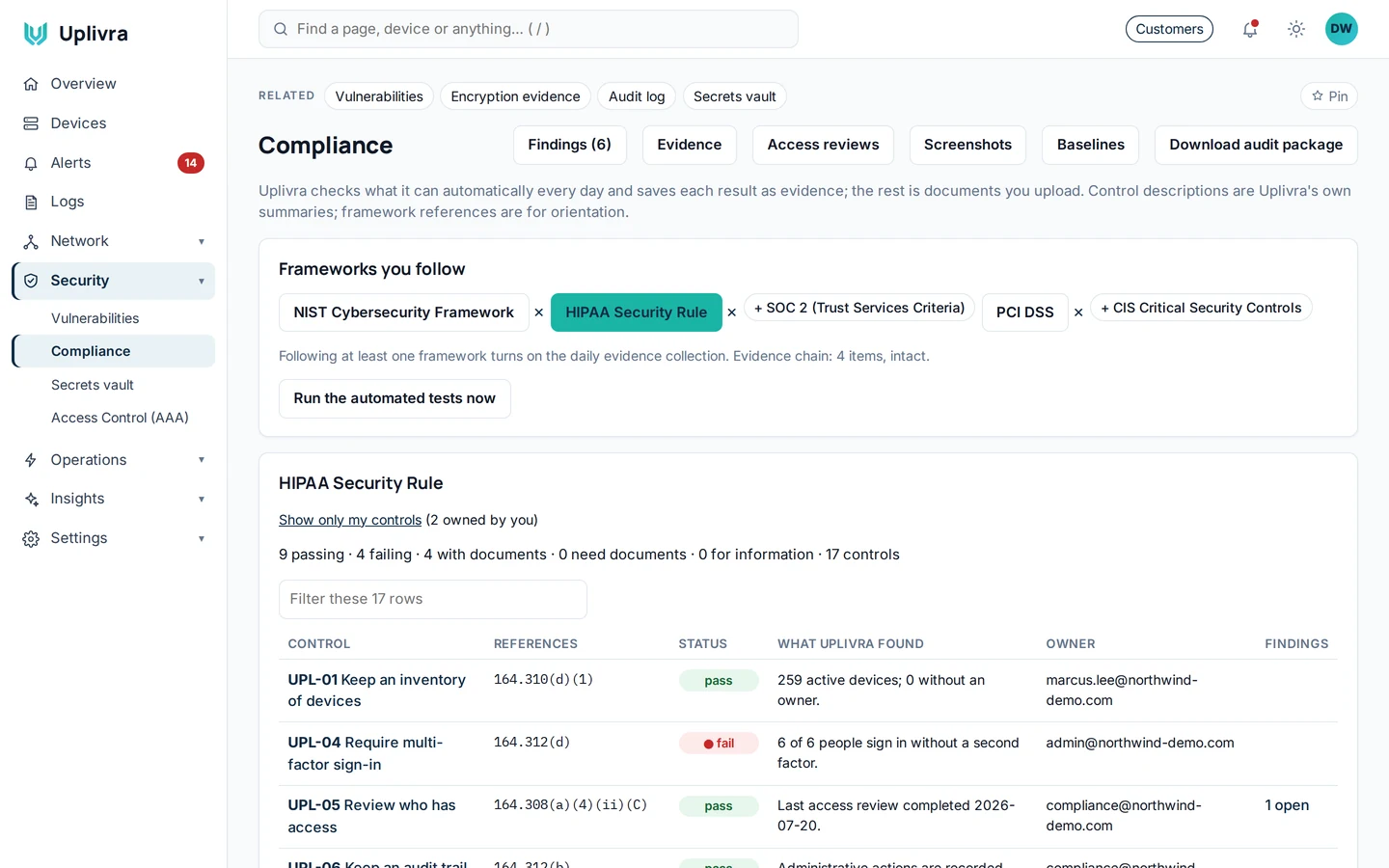
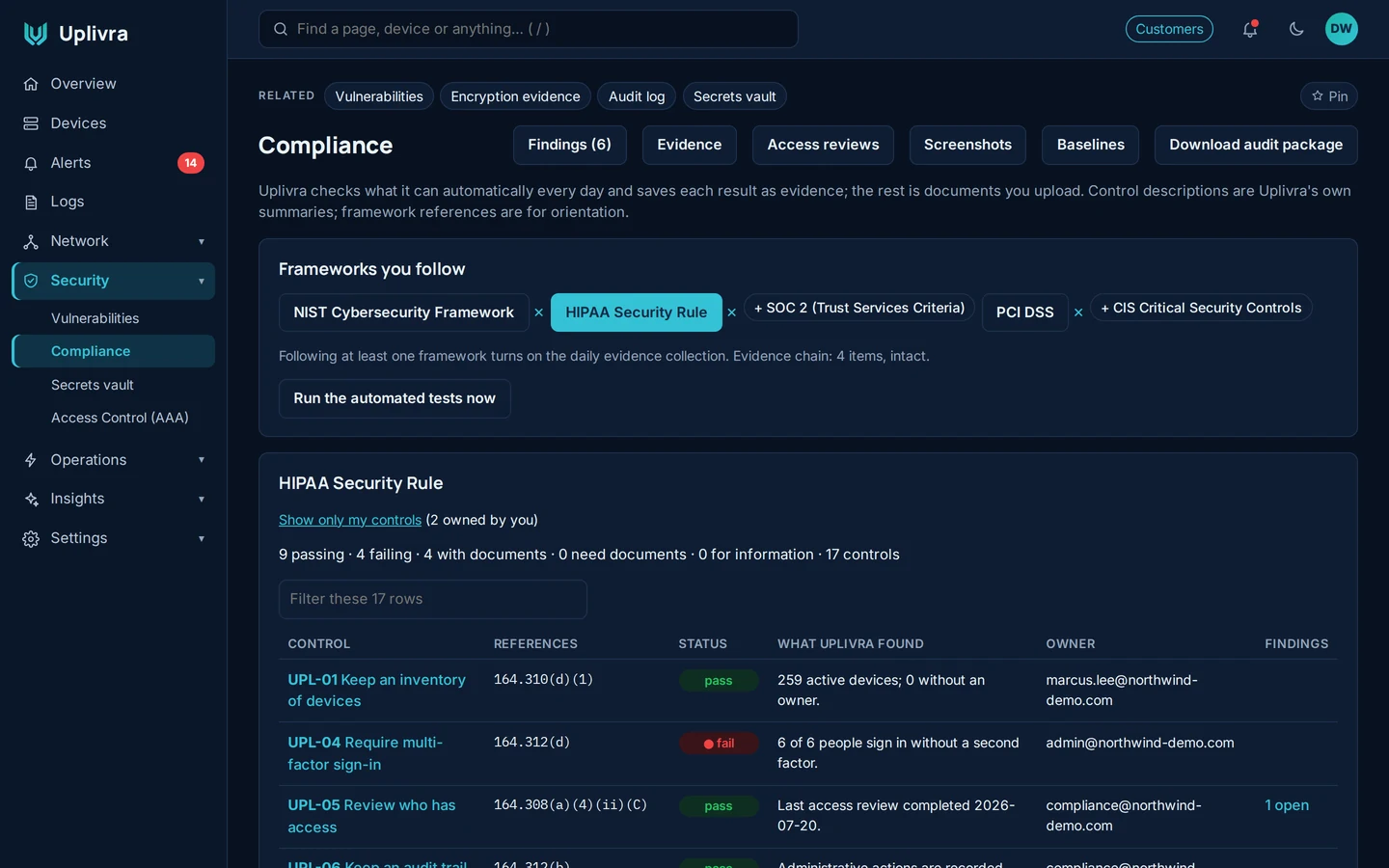
Evidence, not screenshots
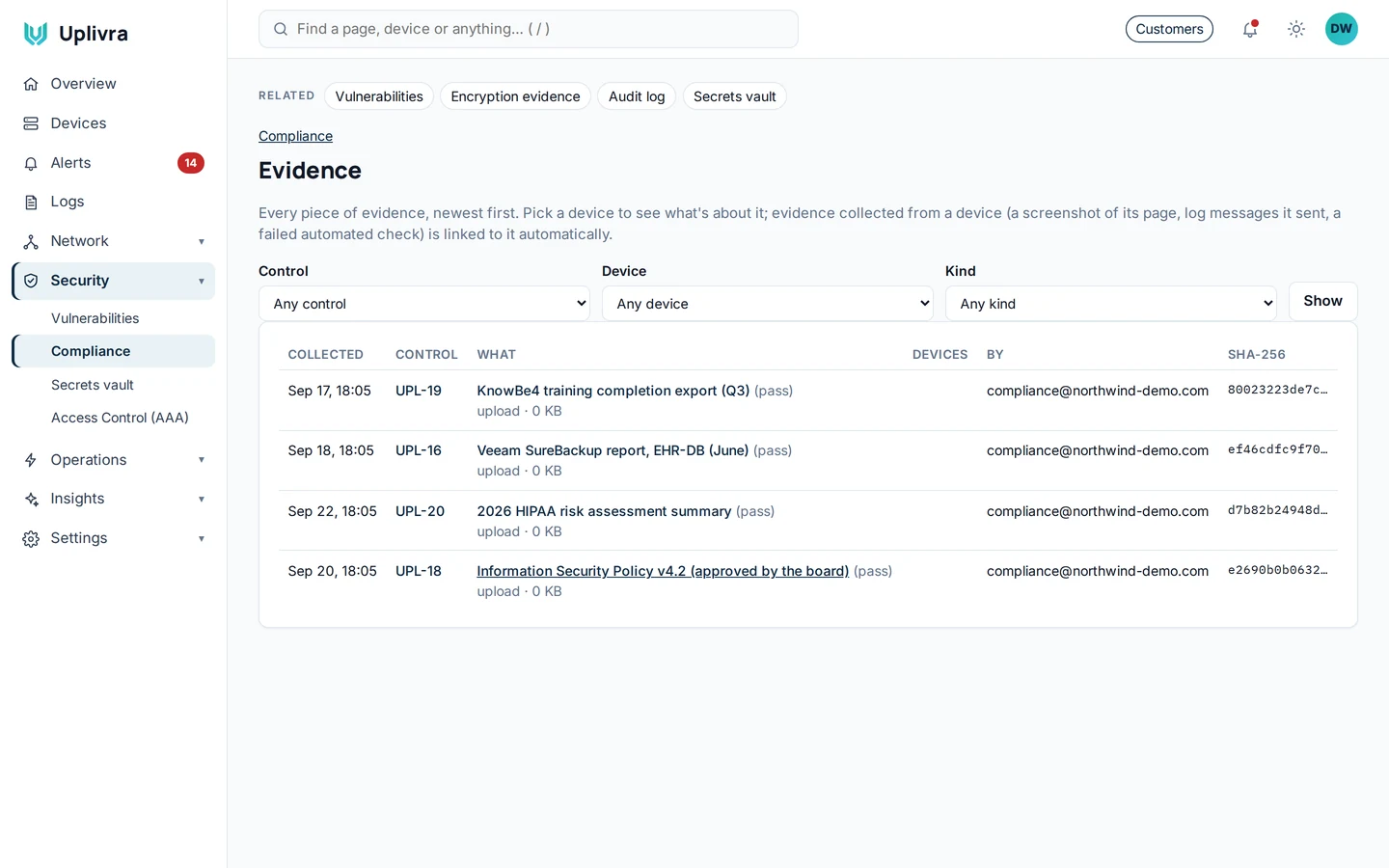
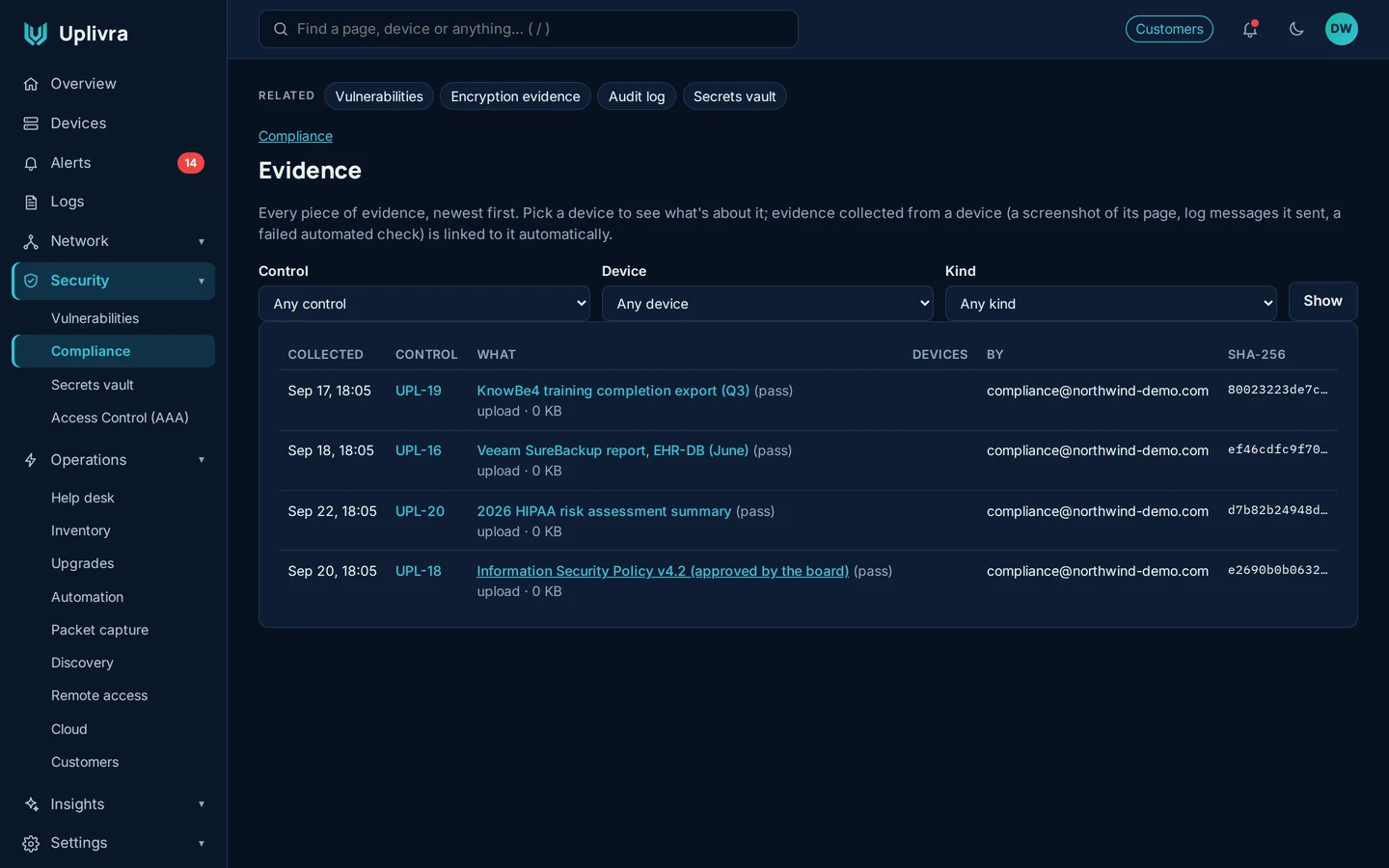
Audits usually mean weeks of collecting screenshots. Uplivra does that work continuously. Every day it tests the controls it can check on its own and saves each result as dated, hash-chained evidence, such as:
- every device has an owner, and hardware lifecycle and warranty are recorded;
- discovery scans run on schedule to find unknown devices;
- people use two-step sign-in, and access reviews are done on time;
- administrative actions are recorded in an audit log that's kept;
- device configurations match your baselines, for example "Telnet is off" or "SNMPv1 is disabled".
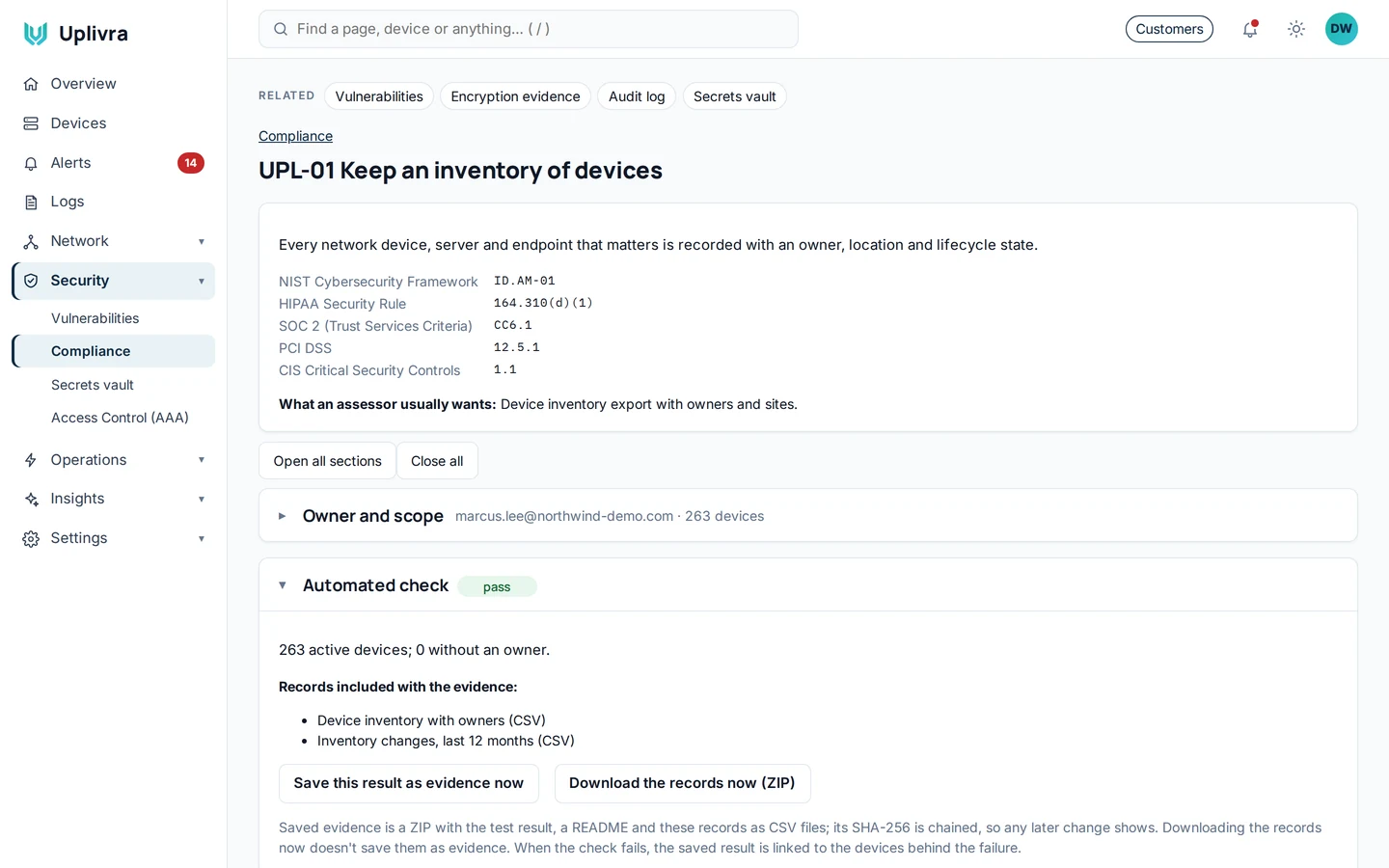
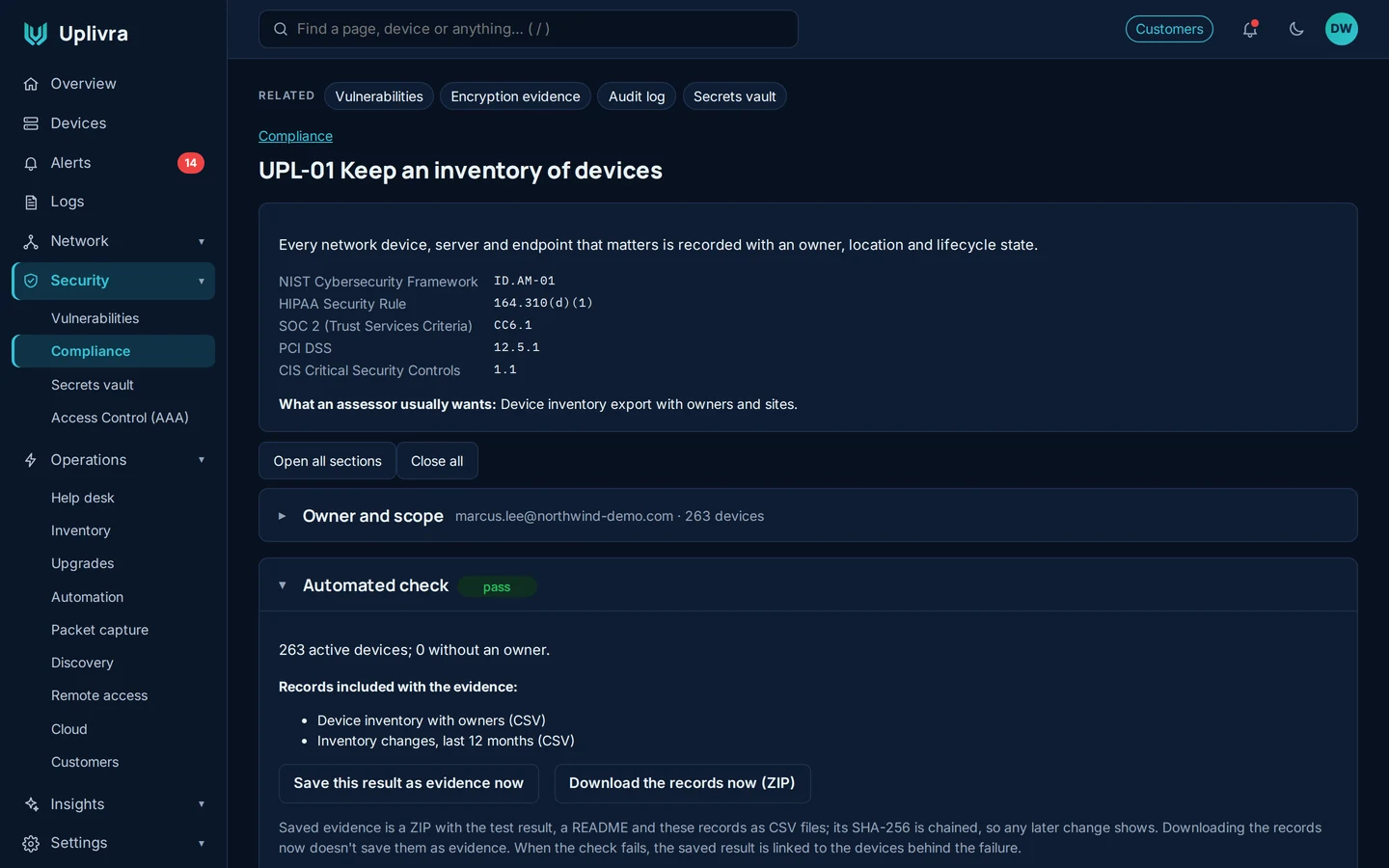
Mapped to your frameworks
Choose the frameworks you follow: NIST Cybersecurity Framework 2.0, HIPAA Security Rule, SOC 2, PCI DSS and CIS Controls v8. Each control shows its references in every framework, its status (passing, failing or needs a document), and exactly what Uplivra found.
Owners, scope and evidence about devices
- Give every control an owner and a scope: all devices, or only some sites, device groups or tags. Checks, records, evidence and findings follow the scope, and each owner sees my controls.
- Evidence is linked to devices and shows on each device's page; evidence Uplivra collects from a device links itself.
- Save a log search as evidence (up to 1,000 messages, with the search, time range, SHA-256 and the collectors that received them). It stays with the evidence after the logs themselves expire.
- Take screenshots of web pages such as a firewall's admin page, signing in and blacking out what shouldn't be kept (optional: needs Chromium on the Uplivra server).
Findings, baselines and access reviews
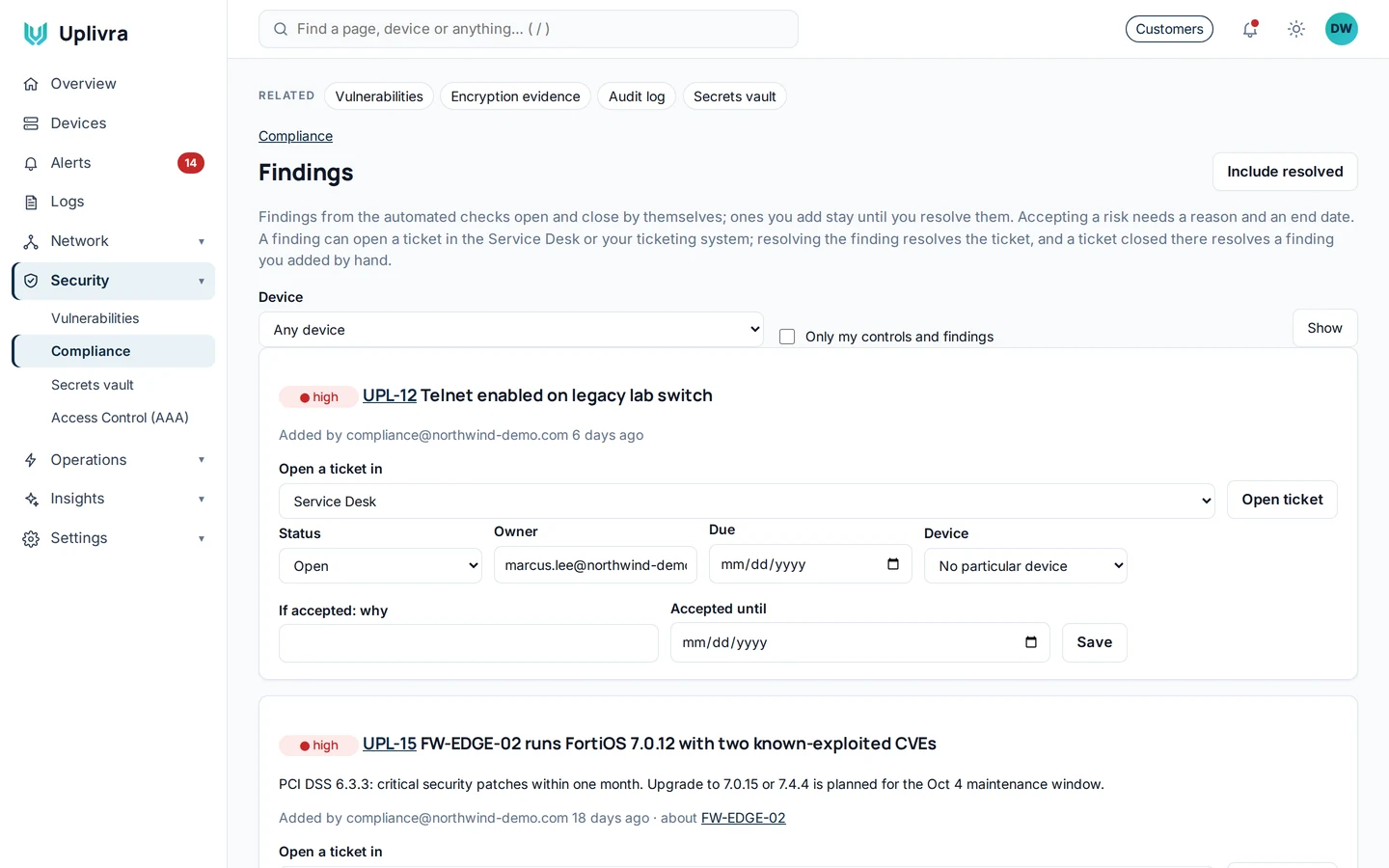
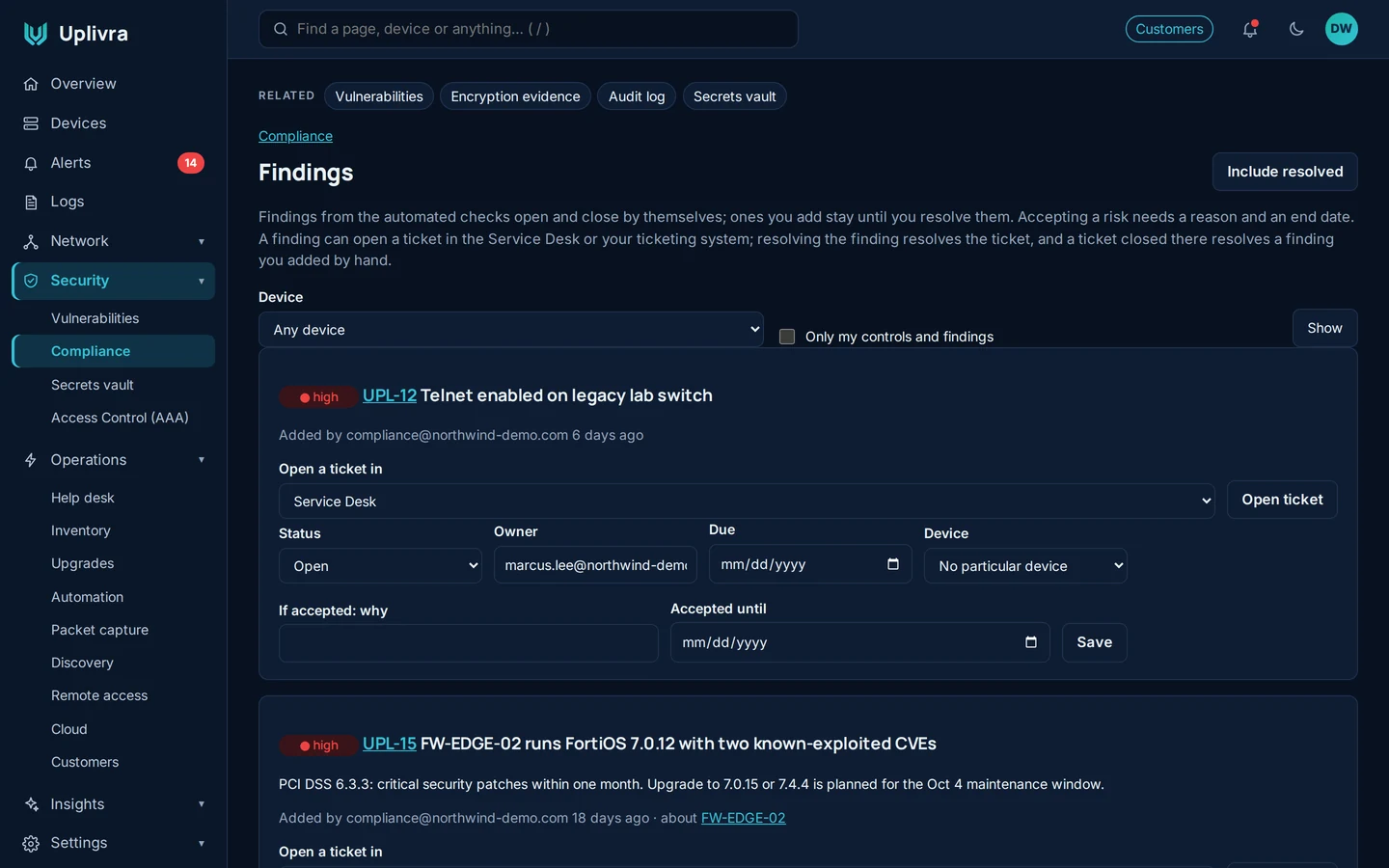
- Findings list what needs fixing, with the devices affected, and can open a ticket in the Service Desk or your ticketing system. Resolve one and the other follows.
- Configuration baselines check saved device configurations against common rules or your own.
- Access reviews walk a manager through confirming who should still have access, and record the decision. They can repeat monthly, quarterly or yearly, remind reviewers by email, and never let anyone decide their own access.
See the compliance guide for how to set each of these up.
The audit package
When the auditor asks, download the audit package: every control, its evidence and history for the period, in one export.
Pricing
$5 per device per month, for the devices in scope. For systems in a PCI cardholder data environment, see PCI CDE Monitoring.
Other modules

Core monitoring
Availability, services, SNMP and websites, with alerts people act on
$1 per device per month after 15 free devices. No monthly minimum; 15% off when paid yearly
Network Pro
Ports, network map and traffic flows on every device
+$2 per device per month
Log Intelligence
Collect, search and keep every log, encrypted and tamper-evident
Included with Network Pro
Upgrade & Lifecycle
Firmware, end-of-life dates and upgrades with proof they worked
$2 per device per month
Packet Capture
Record all the time, pull the moment it went wrong
Included with Network Pro
ITSM Integration
Changes, approvals and incidents in the ticketing system you already use
$1 per device per month (price under review)
Vulnerability Scanning
Know which boxes are exposed, and who owns the fix
$5 per device per month
Access Control
One place for every admin login, every command, and temporary access that ends by itself
$5 per network device per month
Native Service Desk
A help desk linked to your devices and alerts
$5 per help desk agent per month
DNS Security
Bad sites stopped before anyone connects, with a reason for every block
$1 per protected device per month (price under review)
Automation & Remediation
Runbooks for the routine fixes, with approval when you want it
$1 per device per month (price under review)
MSP multi-tenant
Every customer in one console, each one in charge of your access
$49 per month plus $5 per customer (price under review)
PCI CDE Monitoring
Monitoring built for the cardholder data environment
$4 per card-environment system per month, $49 minimum (price under review)